Light Dropper colored icon
Loading interactive 3D reference…
45% complete

Drop Your 3D Model Into the Scene

You’ve modeled the scene. You’ve posed every figure exactly right. Then you go to light it, and suddenly you’re missing the control you need to finish the job.

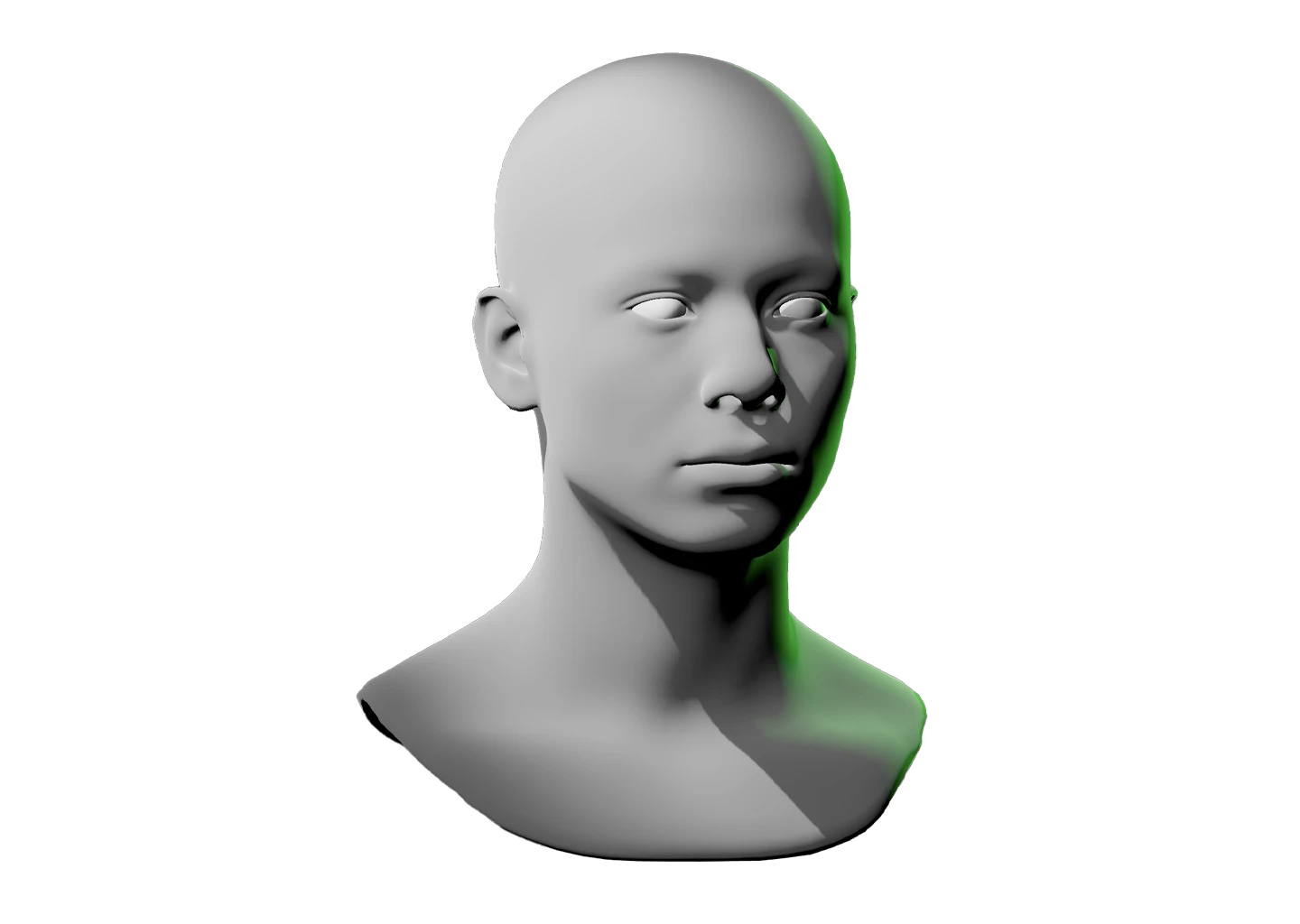
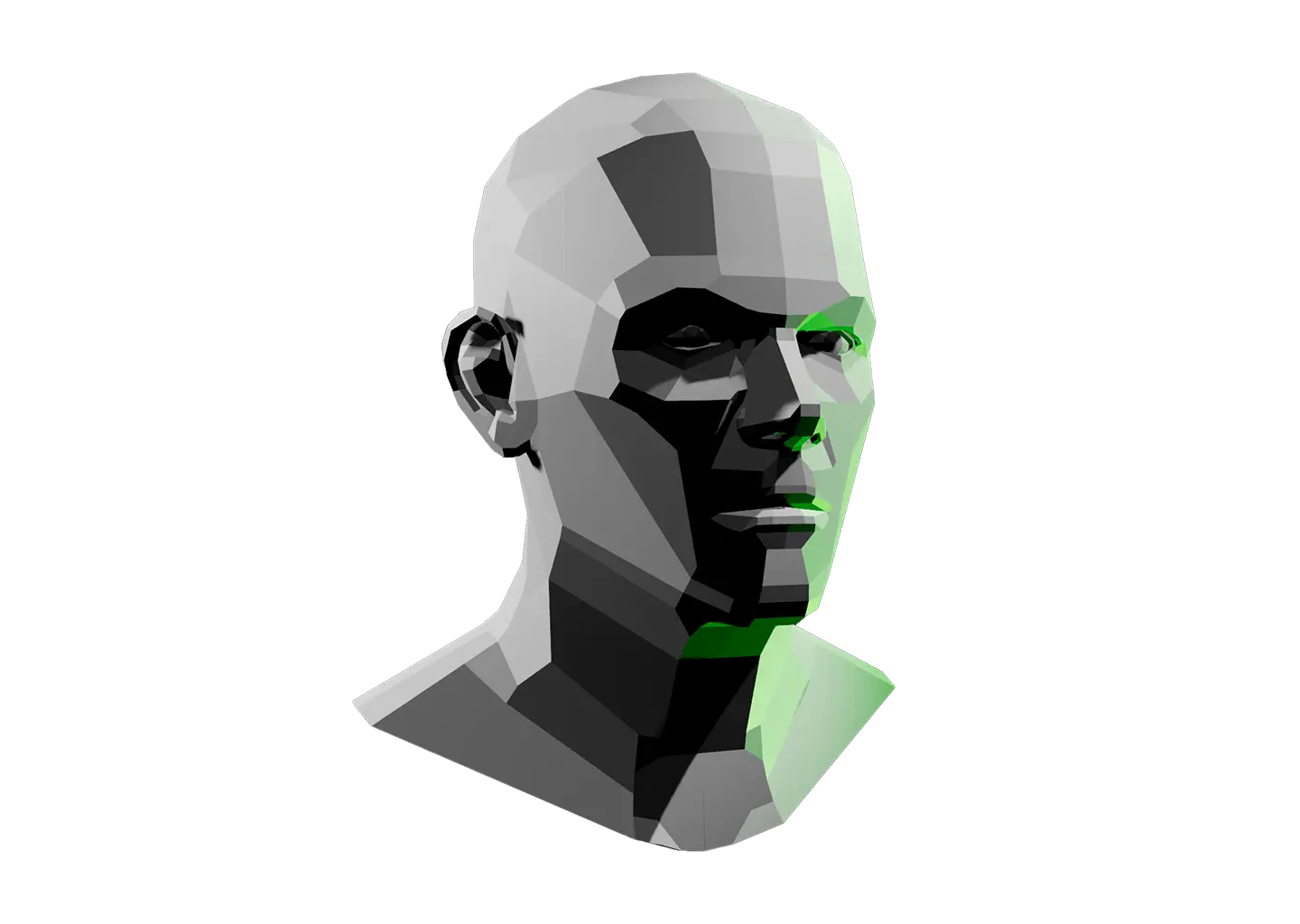
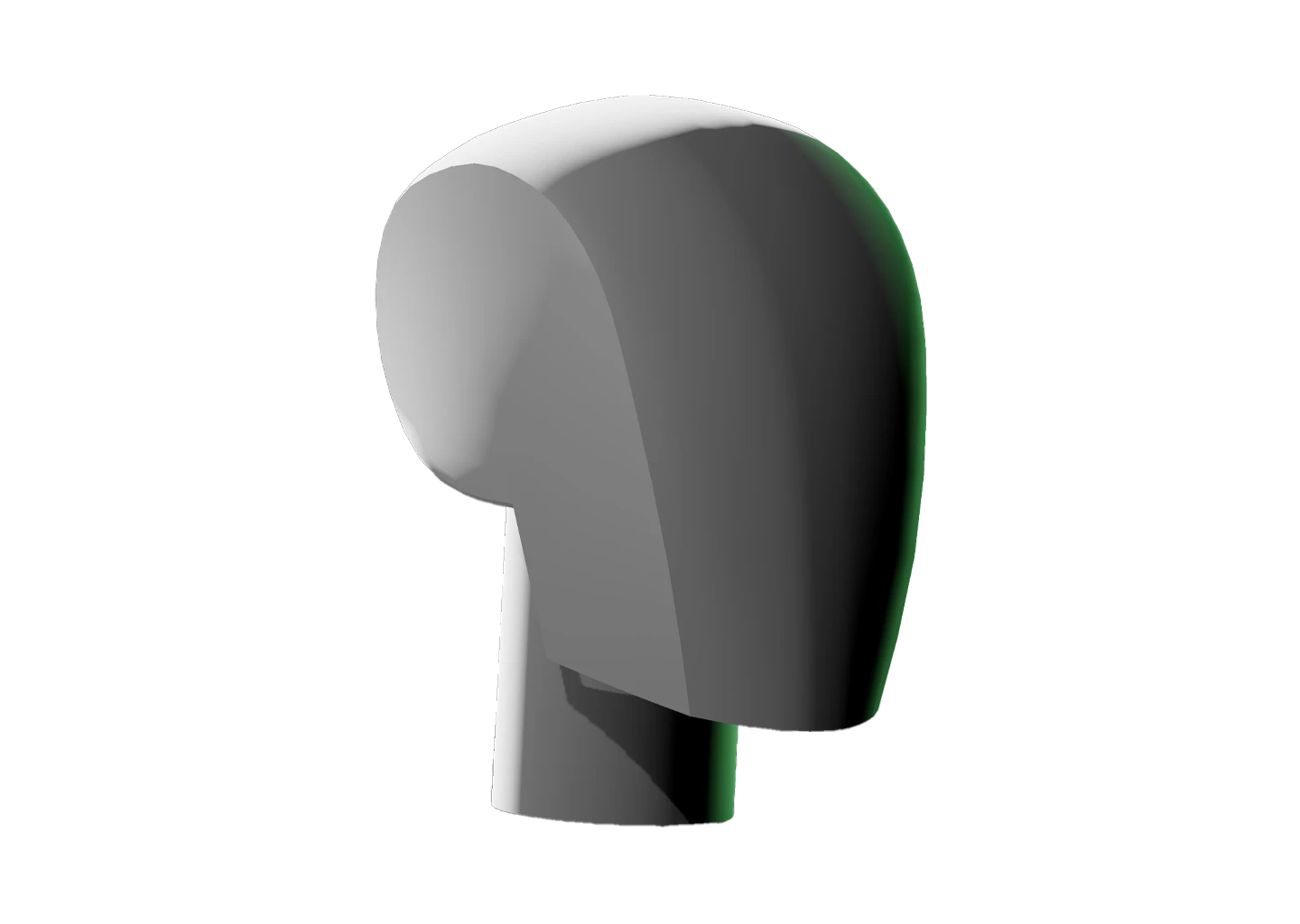
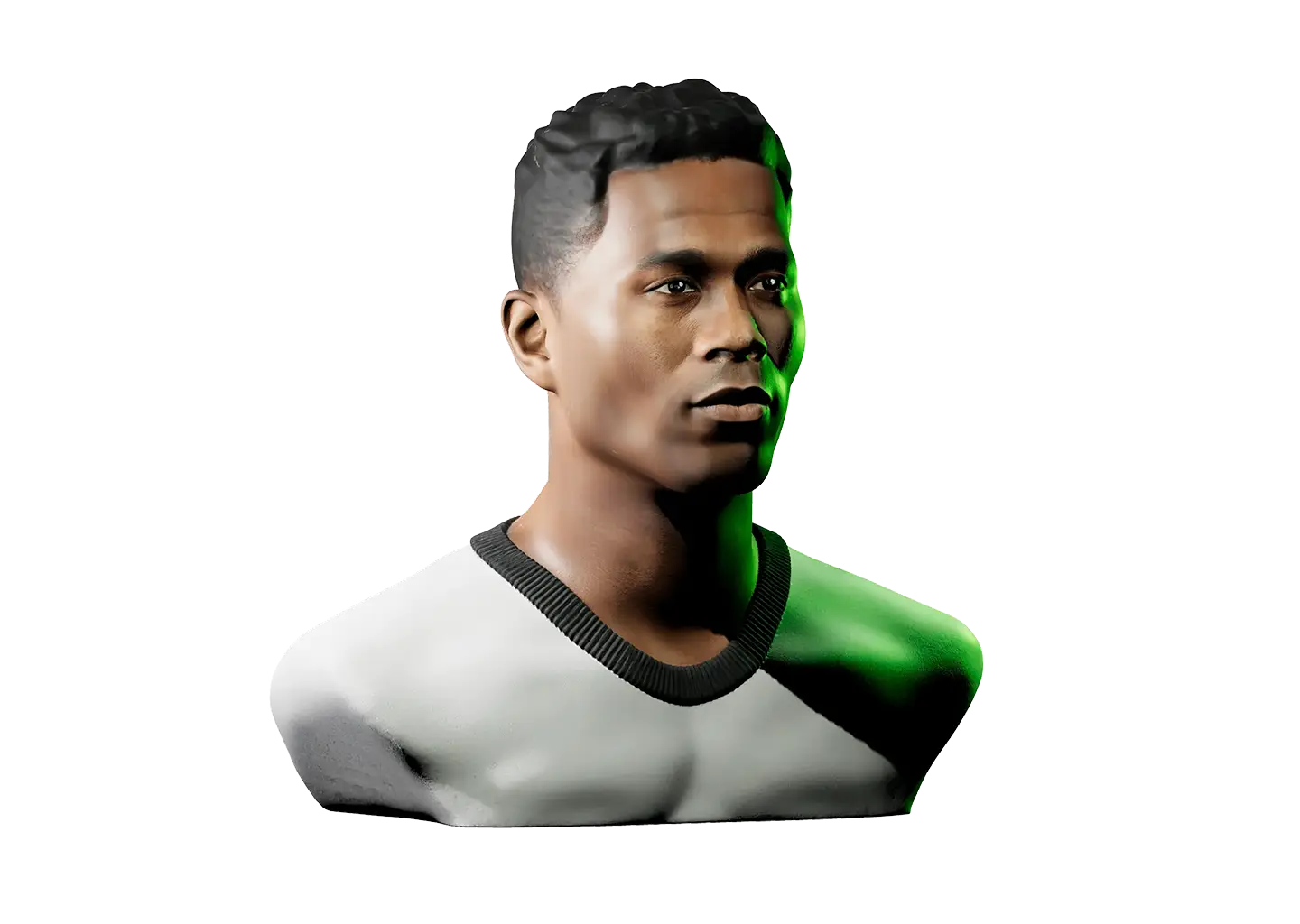
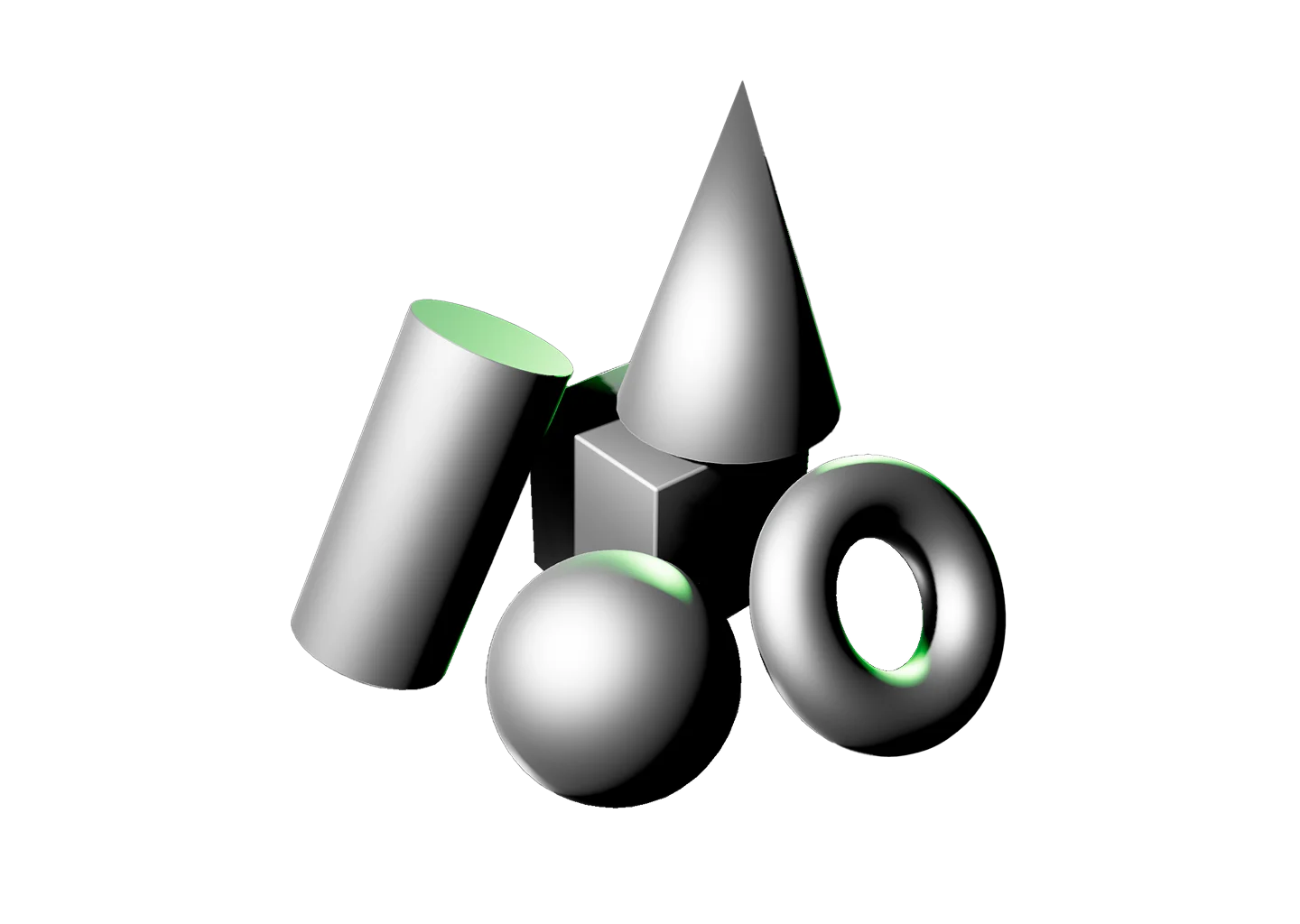
That’s the gap custom uploads fill. Bring your own 3D model or scene into Light Dropper and light it with the same control you’d get on any of our reference models. Custom point lights, spotlights, color, material, camera angle, all of it, applied to your work.

Everything loads locally, for your eyes only. Nothing you upload is ever shared or stored anywhere else.

Export individual setups to your device when you want to keep track of different looks, then import them to pick up right where you left off.

Got a scene? Let’s light it.
Toggle Info: I
Toggle info: i
Double click to drop a light
Click-and-drag to move a light
Right click objects for options
Precision Controls
Camera Angle Presets: C
Toggle Perspective: P
Randomize Scene: R
Randomize Lights: Shift + R
Value Steps: V
Undo: Cmd + Z
Redo: Cmd + Shift + Z
Play/Pause: Spacebar
Export Setup: Shift + E
Import Setup: Shift + I
Labels → Scene Lock: L
Learn & Track
Overview → Timer: T
Reset scene
Icon of person raising their hand
Share feedback
This tool supports the following formats:
.glb (ideal), .usdz, .ply, .stl, .fbx, .gltf, .obj, and .dae.
Reference Timer
Track how much time you spend studying this model. The timer keeps running while you sketch, draw, or paint. If the page goes unattended for several hours, Light Dropper checks in with you, then automatically pauses the timer until you return.
Timer indicator
0
Pause timerStart timer
Today
0
Yesterday
0
This week
0
Last week
0
Lifetime
0
A square with a dotted outline indicating upload your own reference model

Drop Your 3D Model Into the Scene

You’ve modeled the scene. You’ve posed every figure exactly right. Then you go to light it, and suddenly you’re missing the control you need to finish the job.

That’s the gap custom uploads fill. Bring your own 3D model or scene into Light Dropper and light it with the same control you’d get on any of our reference models. Custom point lights, spotlights, color, material, camera angle, all of it, applied to your work.

Everything loads locally, for your eyes only. Nothing you upload is ever shared or stored anywhere else.

Export individual setups to your device when you want to keep track of different looks, then import them to pick up right where you left off.

Got a scene? Let’s light it.
A hand icon with a strikethrough
This experience requires a larger window.