Light Dropper colored icon
Loading interactive 3D reference…
45% complete

Loomis Method Interactive Reference

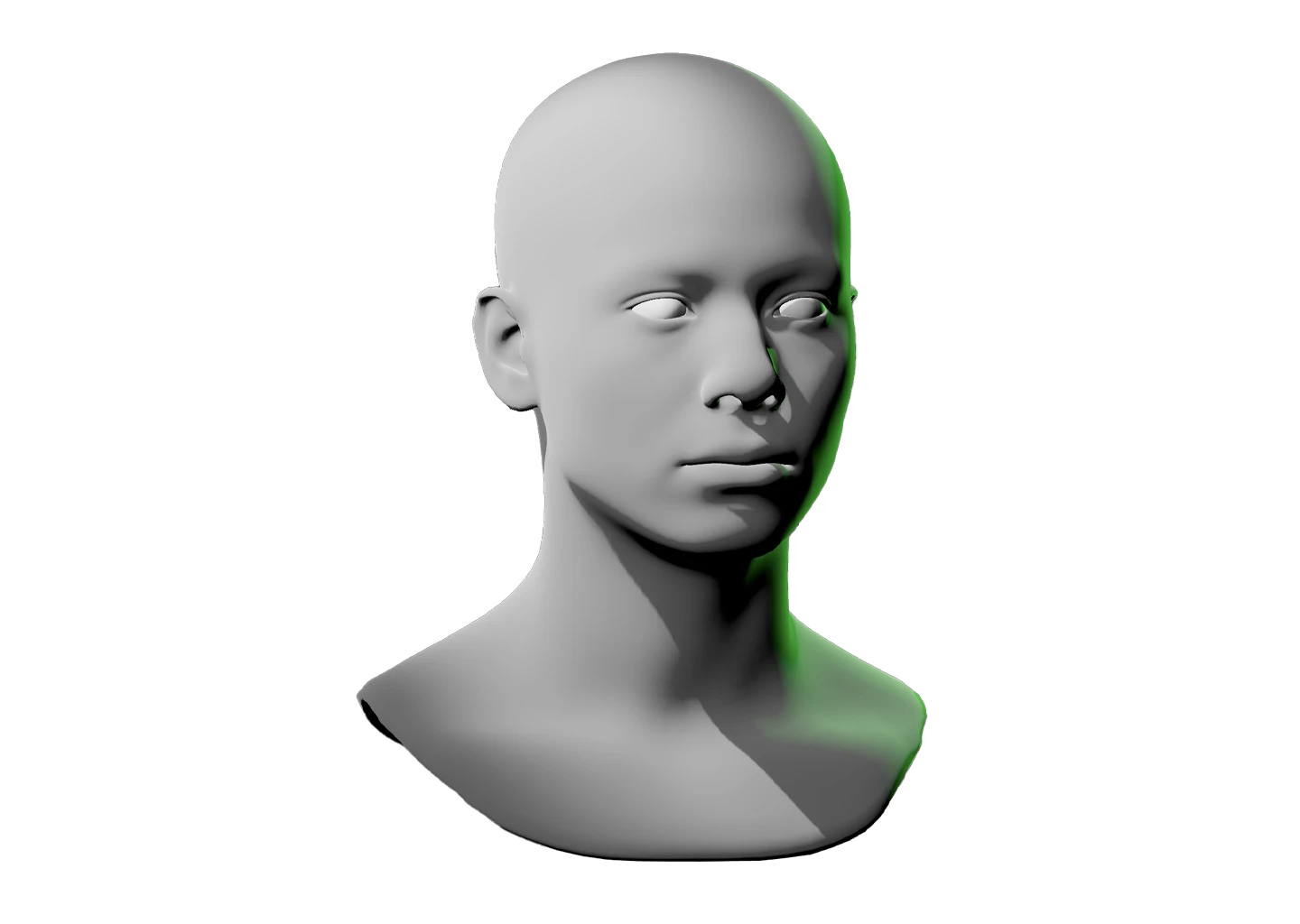
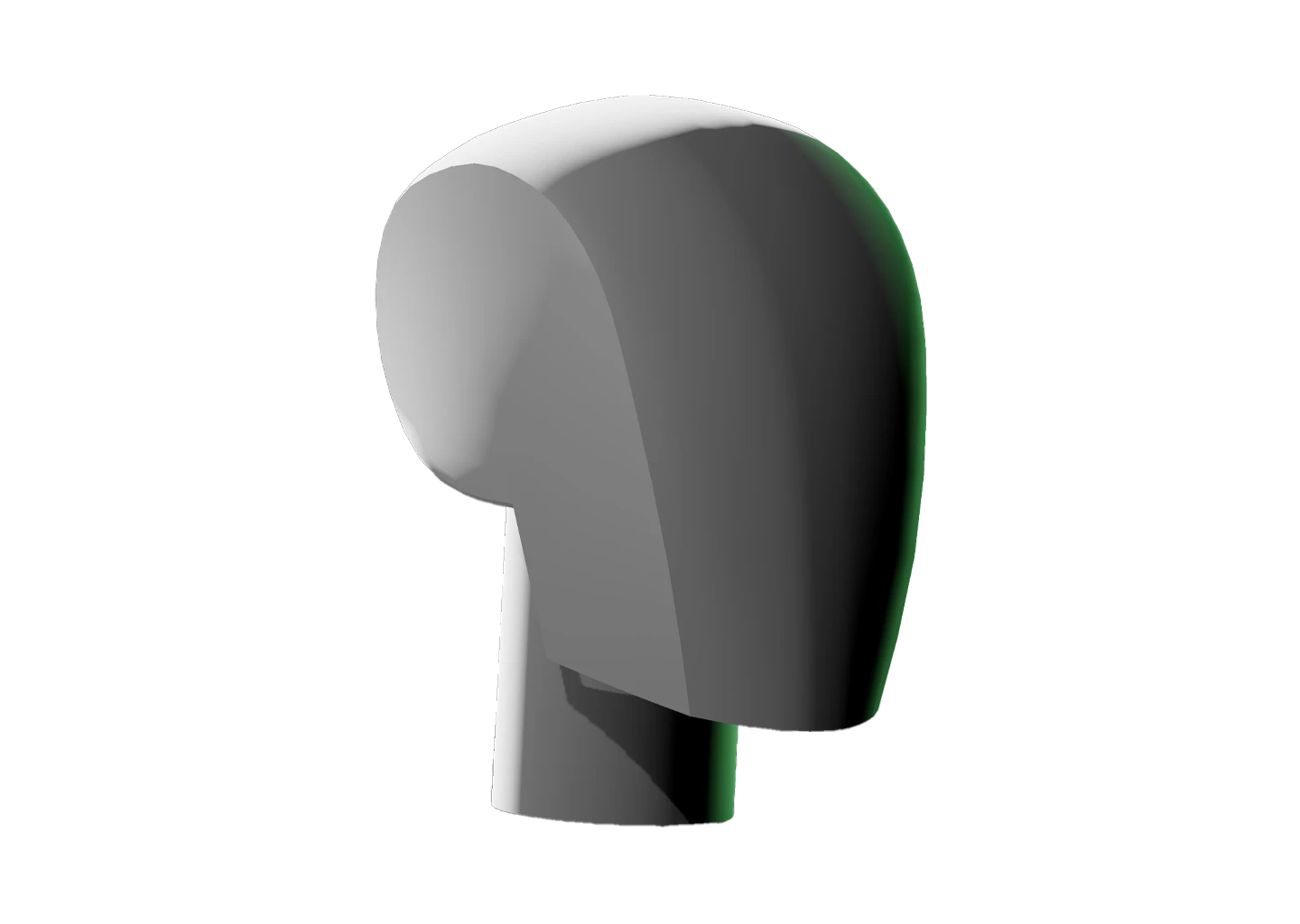
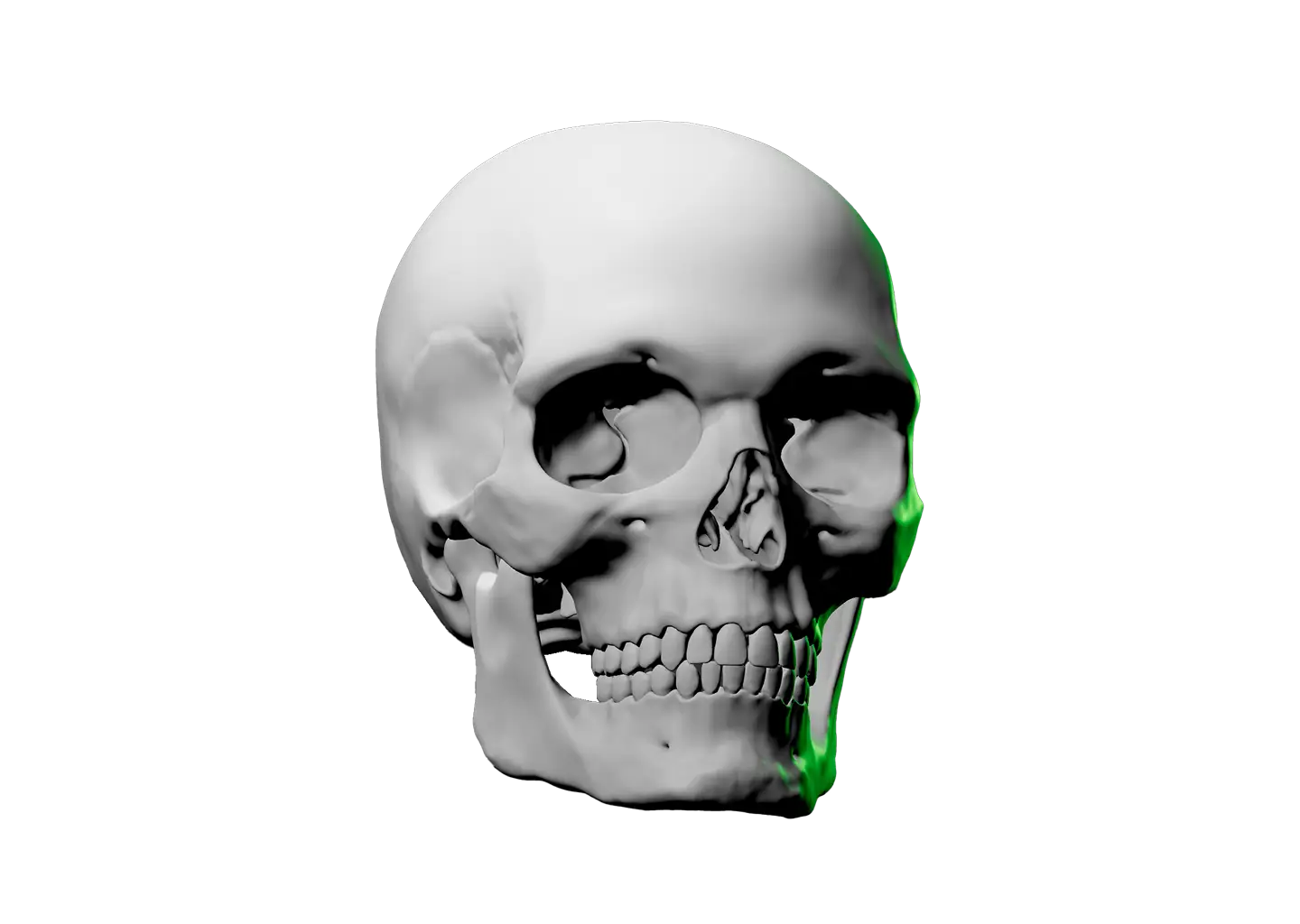
Few head drawing techniques have influenced artists as deeply as the Loomis Method. It breaks the skull into a sphere with a flattened side, then uses that underlying structure to place features accurately in any perspective.

His books went out of print for decades and artists never stopped sharing them. That’s how foundational this knowledge is. Now explore it interactively in three dimensions.

Rotate the model from any angle, add and reposition lights, switch between orthographic and perspective views, and adjust the background to isolate form and shadow.

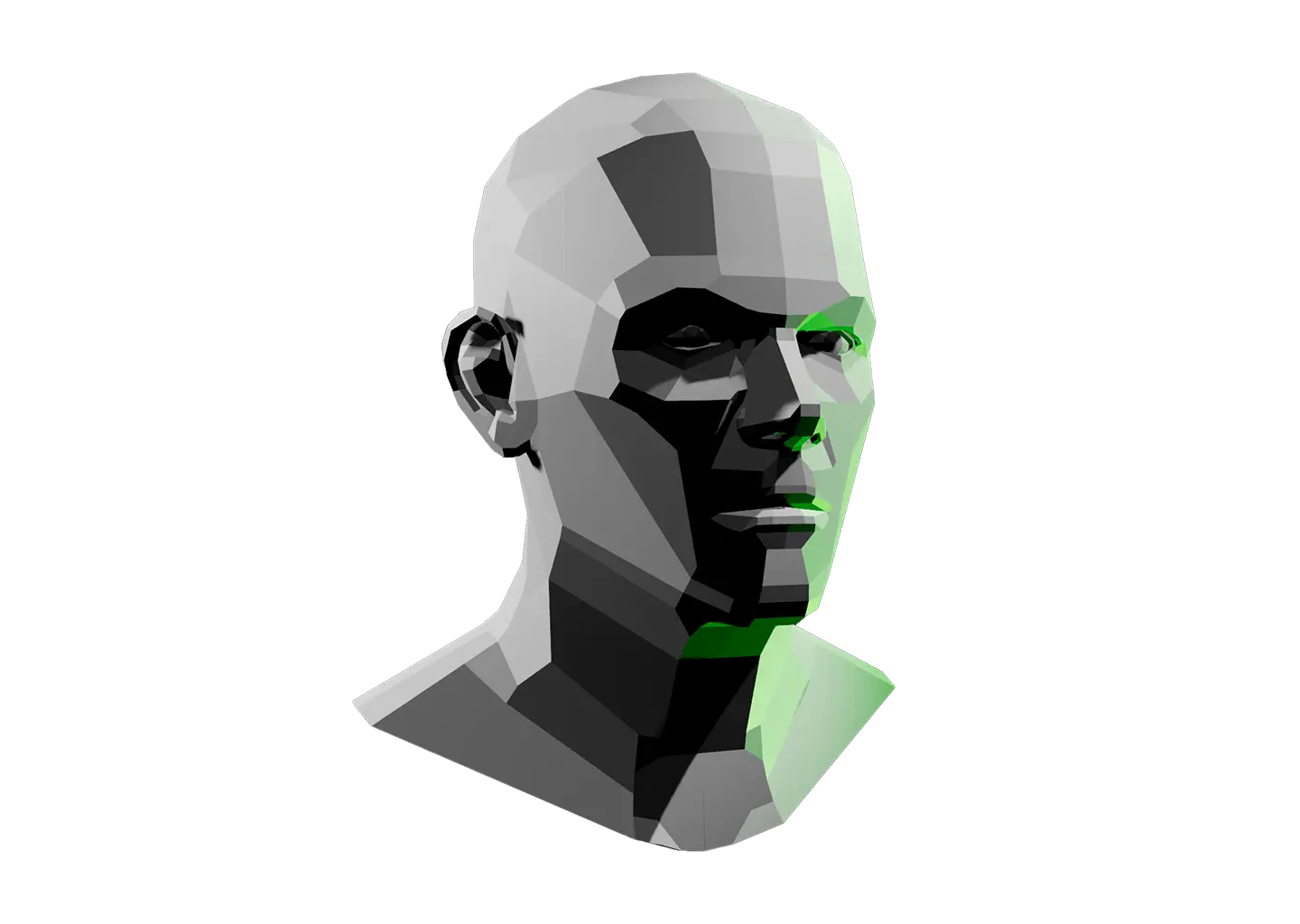
When the structure feels solid, the Planes of the Head takes detail up a notch.
Toggle Info: I
Toggle info: i
Double click to drop a light
Click-and-drag to move a light
Right click objects for options
Precision Controls
Camera Angle Presets: C
Toggle Perspective: P
Randomize Scene: R
Randomize Lights: Shift + R
Value Steps: V
Undo: Cmd + Z
Redo: Cmd + Shift + Z
Save Setup: Cmd + S
Labels → Scene Lock: L
Learn & Track
Overview → Timer: T
Reset scene
Beta: Saved setups (N)
Icon of person raising their hand
Share feedback
Reference Timer
Track how much time you spend studying this model. The timer keeps running while you sketch, draw, or paint. If the page goes unattended for several hours, Light Dropper checks in with you, then automatically pauses the timer until you return.
Timer indicator
0
Pause timerStart timer
Today
0
Yesterday
0
This week
0
Last week
0
Lifetime
0
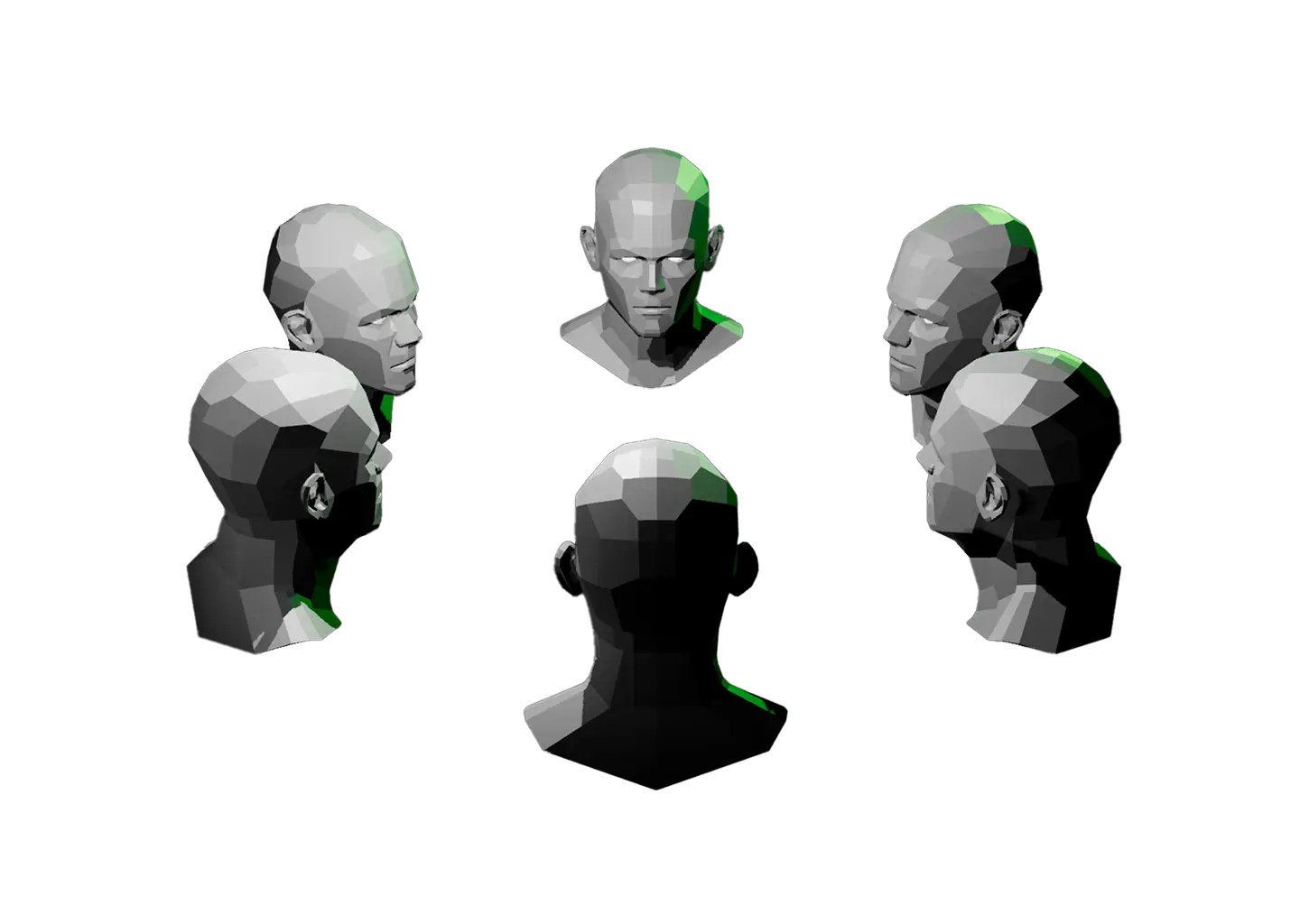
Gray 3D model of the Loomis Method head in profile view with rim and edge lighting.

Loomis Method Interactive Reference

Few head drawing techniques have influenced artists as deeply as the Loomis Method. It breaks the skull into a sphere with a flattened side, then uses that underlying structure to place features accurately in any perspective.

His books went out of print for decades and artists never stopped sharing them. That’s how foundational this knowledge is. Now explore it interactively in three dimensions.

Rotate the model from any angle, add and reposition lights, switch between orthographic and perspective views, and adjust the background to isolate form and shadow.

When the structure feels solid, the Planes of the Head takes detail up a notch.
A hand icon with a strikethrough
This experience requires a larger window.