Light Dropper colored icon
Loading interactive 3D reference…
45% complete

Posable Skeleton

Many skeleton references stop at the wrist and ankle, leaving you to guess at the structure and movement of the hands and feet. There’s a better way.

This fully articulated skeleton reference doesn’t cut corners. Every finger, every toe, and even the jaw can be posed independently.

Create anything from a clenched fist to a dynamic full-body pose, then shape the scene with colored point lights, spotlights, and your choice of camera angle.

Push a limb toward the viewer to study foreshortening as a forearm or thigh compresses. Rotate it back out and see how much length collapses.

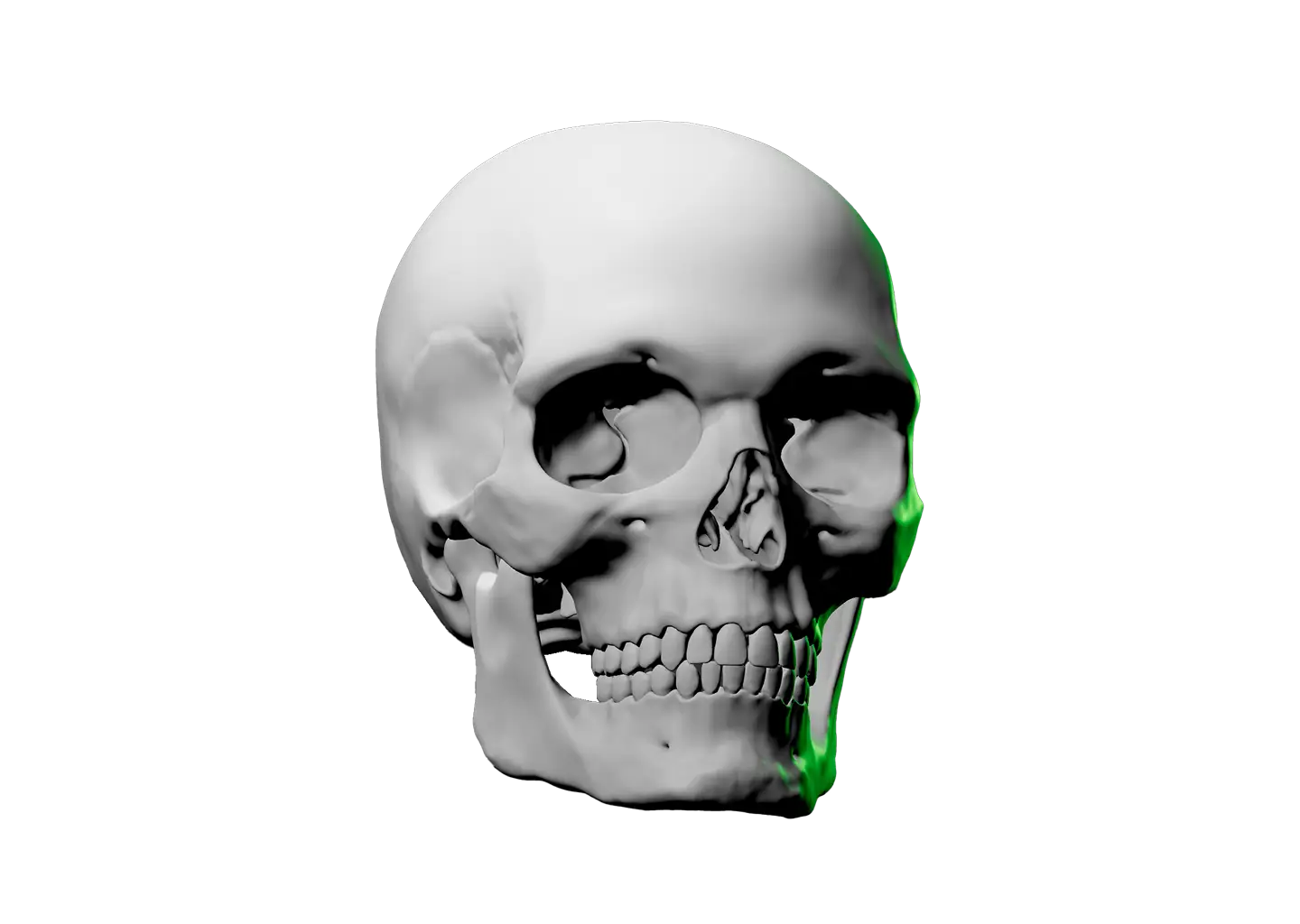
If you find yourself in need of an even closer anatomy study, check out the Skull Drawing Reference. When you return, this setup will be exactly as you left it.
Toggle Info: I
Toggle info: i
Double click to drop a light
Click-and-drag to move a light
Right click objects for options
Precision Controls
Camera Angle Presets: C
Toggle Perspective: P
Randomize Scene: R
Randomize Lights: Shift + R
Value Steps: V
Undo: Cmd + Z
Redo: Cmd + Shift + Z
Save Setup: Cmd + S
Labels → Scene Lock: L
Learn & Track
Overview → Timer: T
Reset scene
Icon of person raising their hand
Share feedback
Beta: Saved setups (N)
Reference Timer
Track how much time you spend studying this model. The timer keeps running while you sketch, draw, or paint. If the page goes unattended for several hours, Light Dropper checks in with you, then automatically pauses the timer until you return.
Timer indicator
0
Pause timerStart timer
Today
0
Yesterday
0
This week
0
Last week
0
Lifetime
0
Front view of a human skeleton.

Posable Skeleton

Many skeleton references stop at the wrist and ankle, leaving you to guess at the structure and movement of the hands and feet. There’s a better way.

This fully articulated skeleton reference doesn’t cut corners. Every finger, every toe, and even the jaw can be posed independently.

Create anything from a clenched fist to a dynamic full-body pose, then shape the scene with colored point lights, spotlights, and your choice of camera angle.

Push a limb toward the viewer to study foreshortening as a forearm or thigh compresses. Rotate it back out and see how much length collapses.

If you find yourself in need of an even closer anatomy study, check out the Skull Drawing Reference. When you return, this setup will be exactly as you left it.
A hand icon with a strikethrough
This experience requires a larger window.