Light Dropper colored icon
Loading interactive 3D reference…
45% complete

Posable Hands 3D Reference

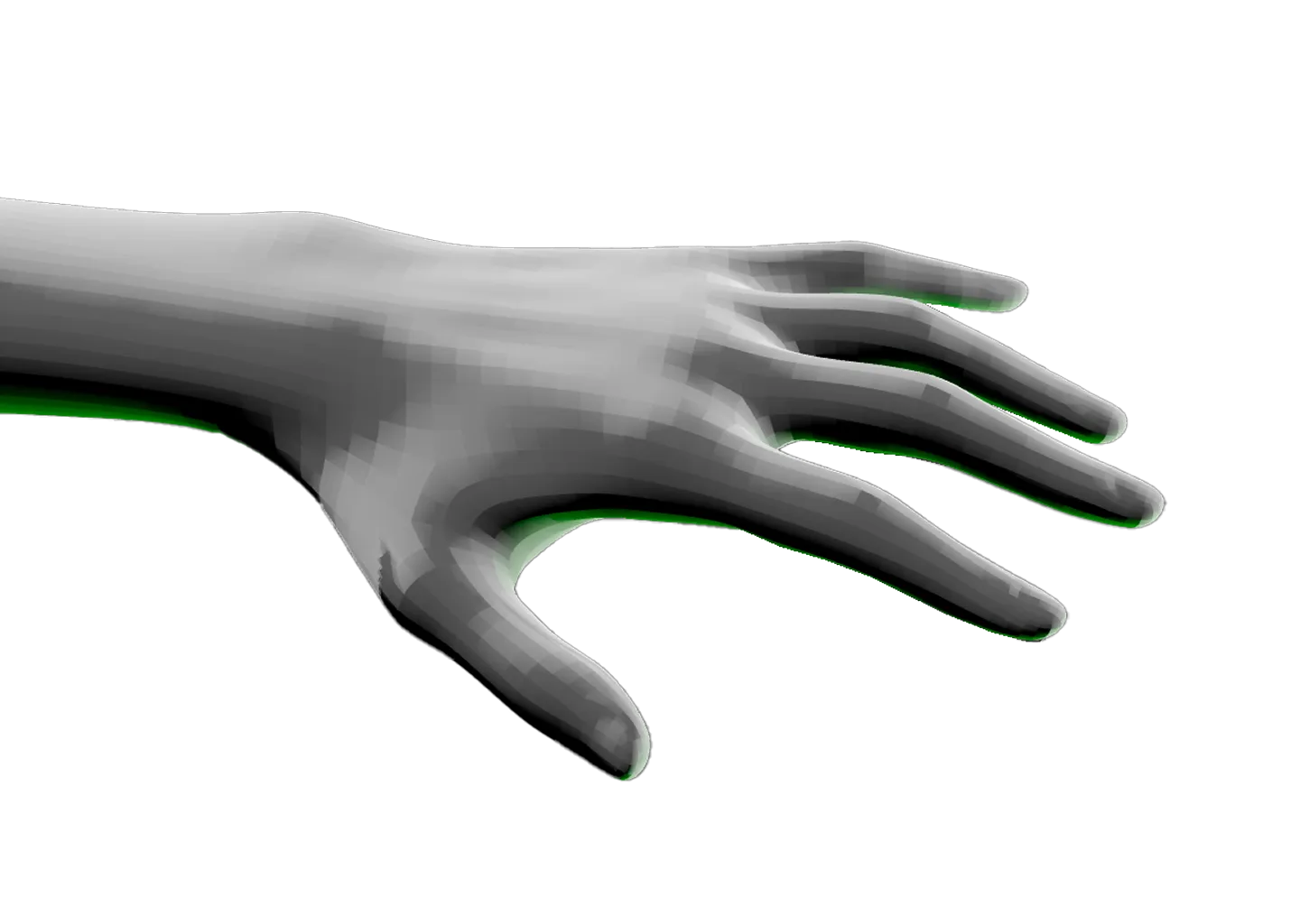
Hands are one of the hardest things to draw well, and finding a reference in exactly the right position is nearly impossible. This posable hand reference gives you both a left and a right, each with every joint fully bendable from the fingertips all the way up to the forearm.

Switch to perspective view and position the camera to study foreshortening. Right-click the forearm joint to rotate and translate each hand independently. Change the color, reposition the lights, and build the reference your drawing calls for.

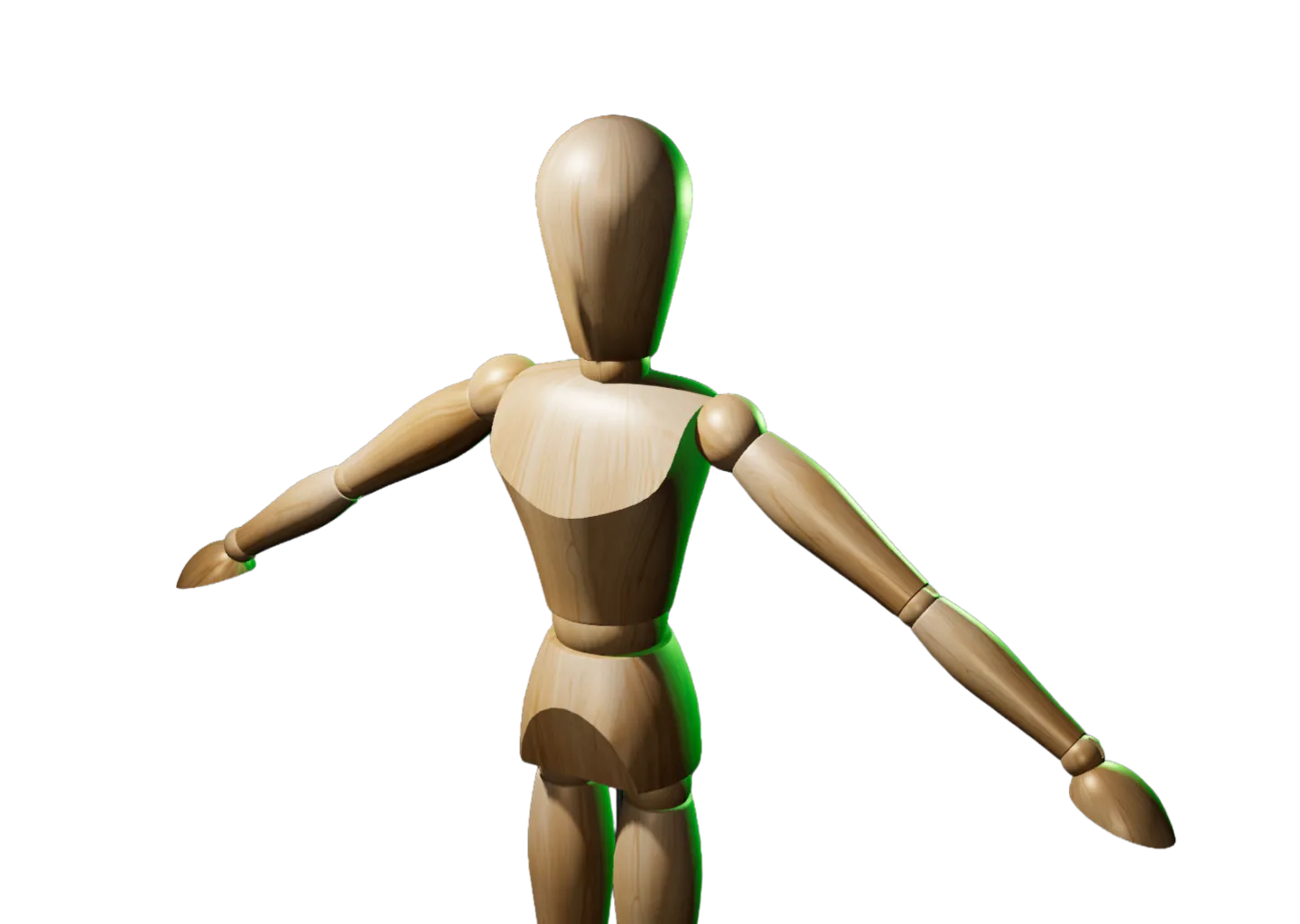
When you’re ready for the whole figure, the Posable Female 3D Reference gives you that same joint-by-joint control across the entire body.
Toggle Info: I
Toggle info: i
• Double click to create a light
• Click-and-drag to move a light
• Right click objects for options
Precision Controls
Toggle Light Labels: L
Toggle Camera Type: C
Randomize Scene: R
Randomize Lights: Shift + R
Undo: Cmd + Z
Redo: Cmd + Shift + Z
Animated Model Controls
Play/Pause: Spacebar
Reset scene
Icon of person raising their hand
Requests and feedback
Reference of human hand with fingers slightly spread apart and a green rim light.

Posable Hands 3D Reference

Hands are one of the hardest things to draw well, and finding a reference in exactly the right position is nearly impossible. This posable hand reference gives you both a left and a right, each with every joint fully bendable from the fingertips all the way up to the forearm.

Both hands start in a neutral position so you can jump straight in and bend them into whatever the scene demands.

Switch to perspective view and position the camera to study foreshortening. Right-click the forearm joint to rotate and translate each hand independently. Change the color, reposition the lights, and build the reference your drawing calls for.

A hand icon with a strikethrough
This experience requires a larger window.