From big features to tiny wins

What’s new at Light Dropper.

We ship updates all the time. Some are big enough to announce, and others you’d never notice unless something used to bug you. This is where we nerd out about all of them, from new references to the small fixes that keep you creating instead of troubleshooting. Got a feature idea or found a bug? Drop it on us.

November

X items
Improved
Light and shading
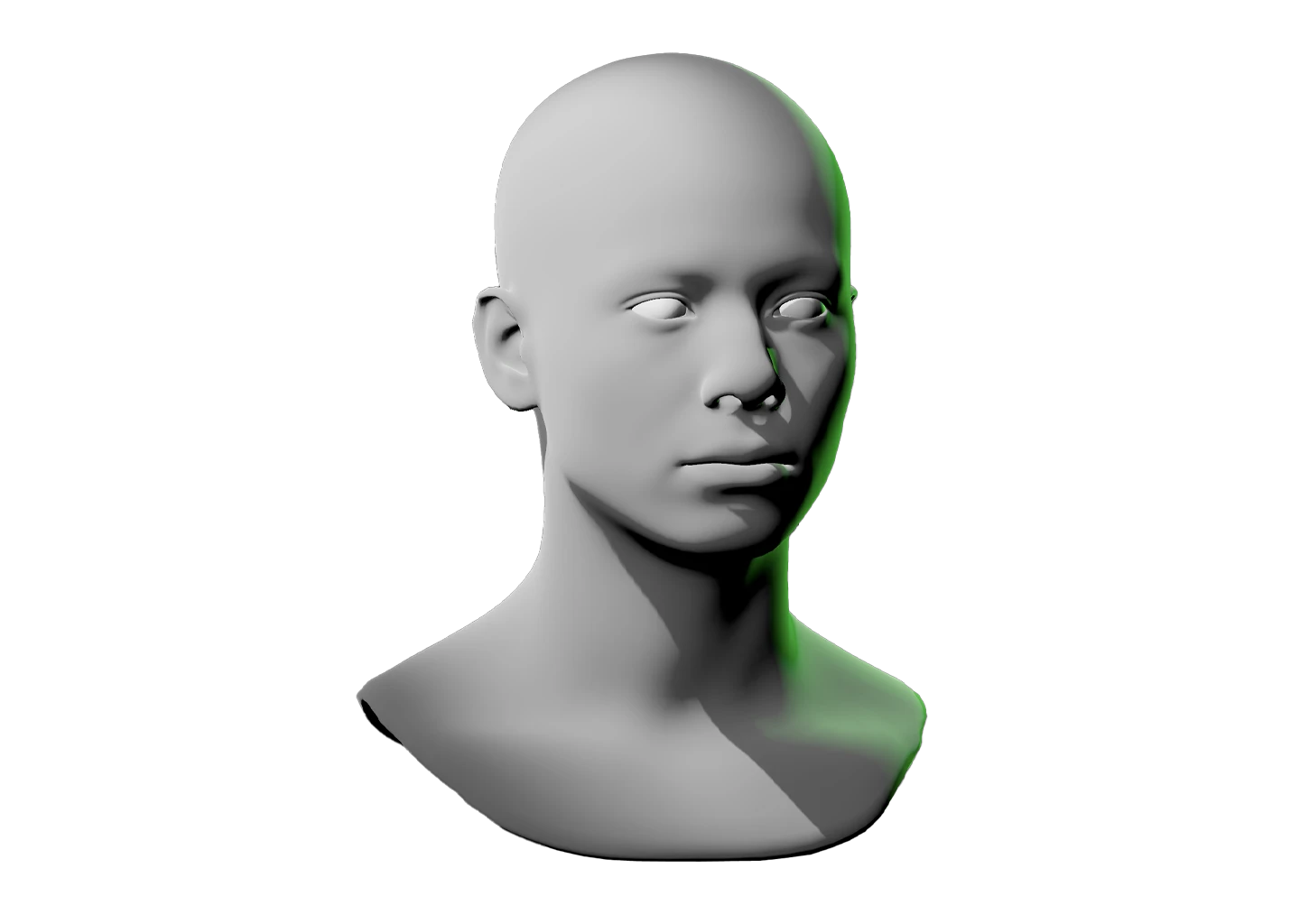
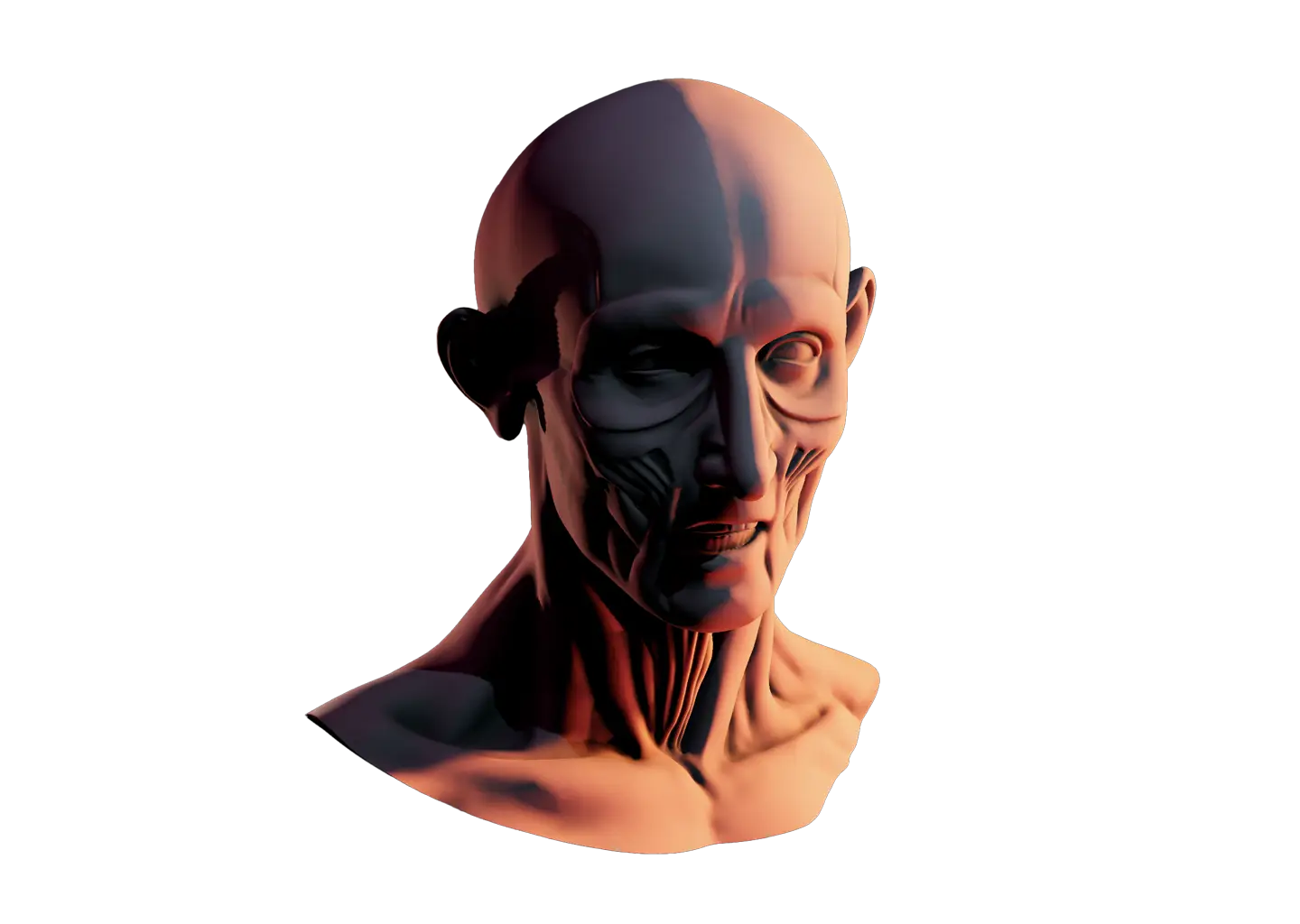
Arbitrary specks of light and shadows used to appear making small details on faces and other objects more difficult to reference accurately.
Nov 18
Improved
Bone posing, front and center
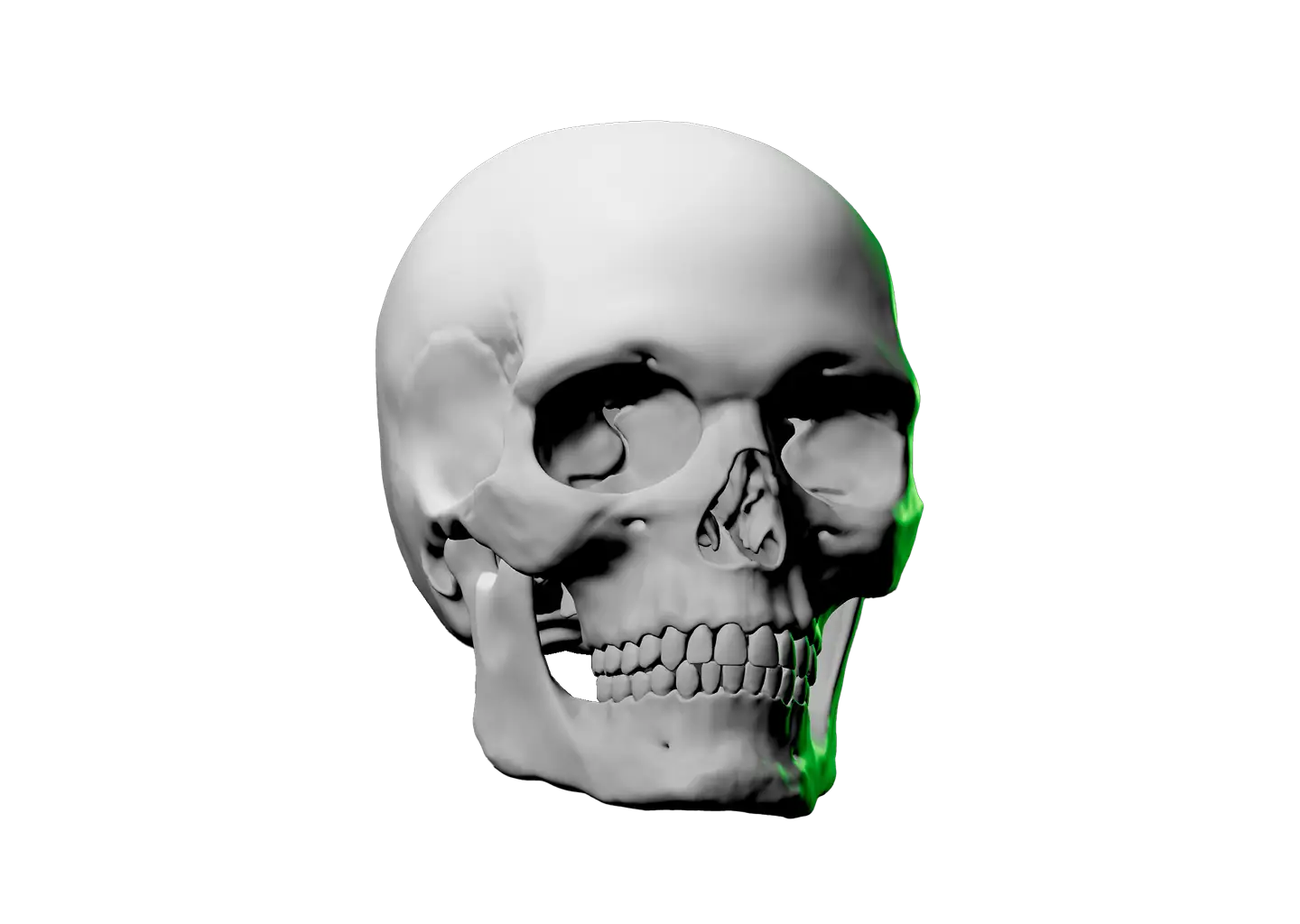
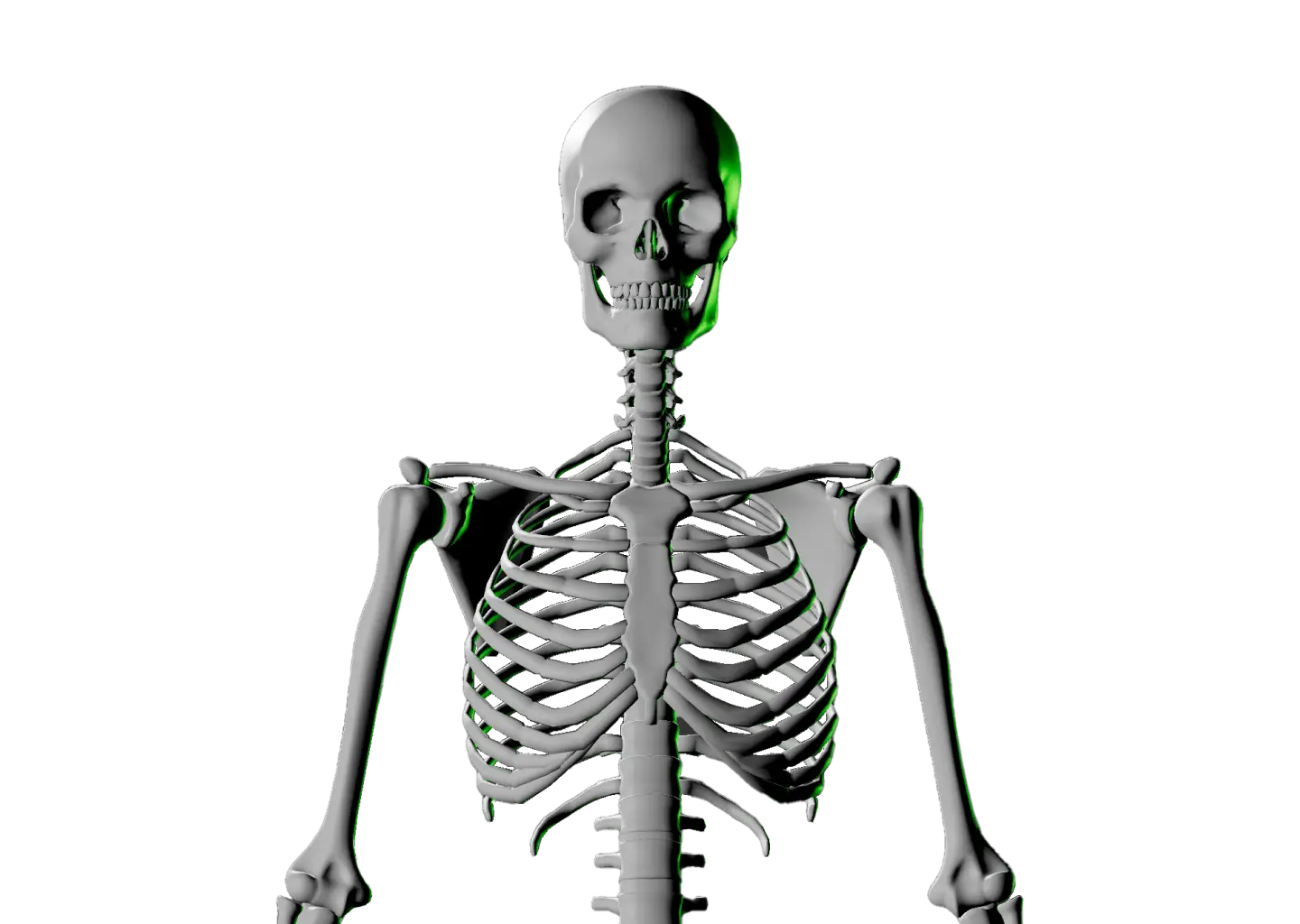
Select a bone and the view centers on it. Zoom in, rotate around it, and pose. Tap or click empty space once to get a clean view, and once more to zoom back out.
Nov 17
New
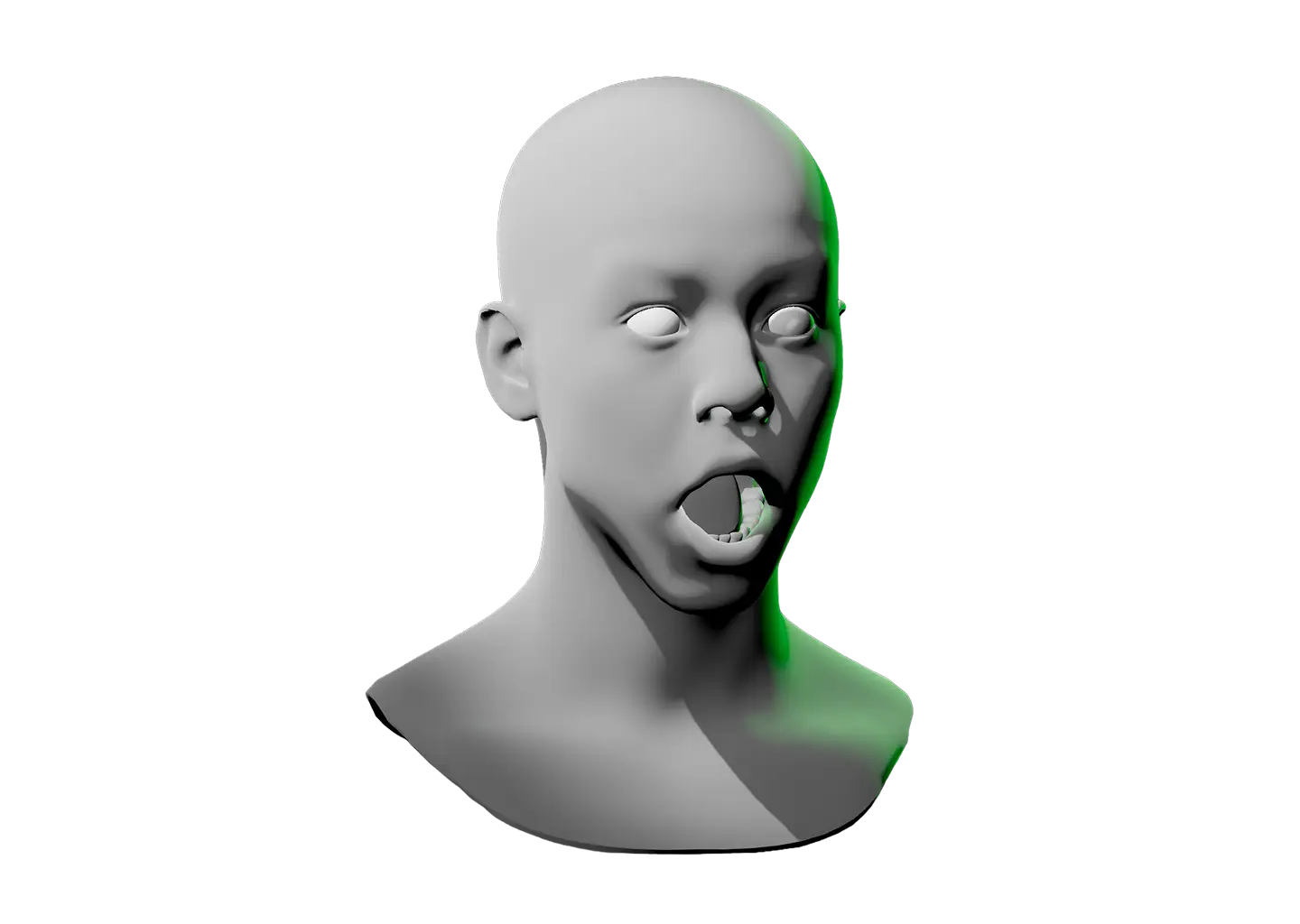
New reference: Facial Expressions
Same face as the Interactive Face Lighting Reference, with one big difference. This one moves. Shape the brows, eyes, mouth, and head, or start from a preset, then light it up. Facial Expressions Reference
Nov 16
Improved
Fewer lights when randomizing
Pressing R now creates 2–3 lights, including the Environment Light, instead of up to 7. That leaves room to add your own.
Nov 12
Improved
More time to read notifications
Longer on-screen messages, like “Maximum 7 lights reached”, now stay up for a couple of seconds. Short ones are as quick as before.
Nov 12
Bug fix
Light menus stay open better
Right-clicking a light could close its menu immediately if the mouse moved slightly, which also made it hard to delete a light.
Nov 12
New
Artist Gear page
We now have a dedicated space to talk about all the tools that artists use daily in their studio. From sketchbooks to digital devices, we give you the details you need. Artist Gear
Nov 9

October

X items
Improved
Interactive references, now on mobile
Where desktop uses keyboard controls, mobile now has its own touch-friendly interface designed specifically for smaller screens. Study any reference anywhere, on any device.
Oct 13
Bug fix
Environment light brightness after loading a setup
After loading a setup, the Environment Light could show the wrong brightness, and the next click jumped to off instead of the next step.
Oct 8

September

X items
New
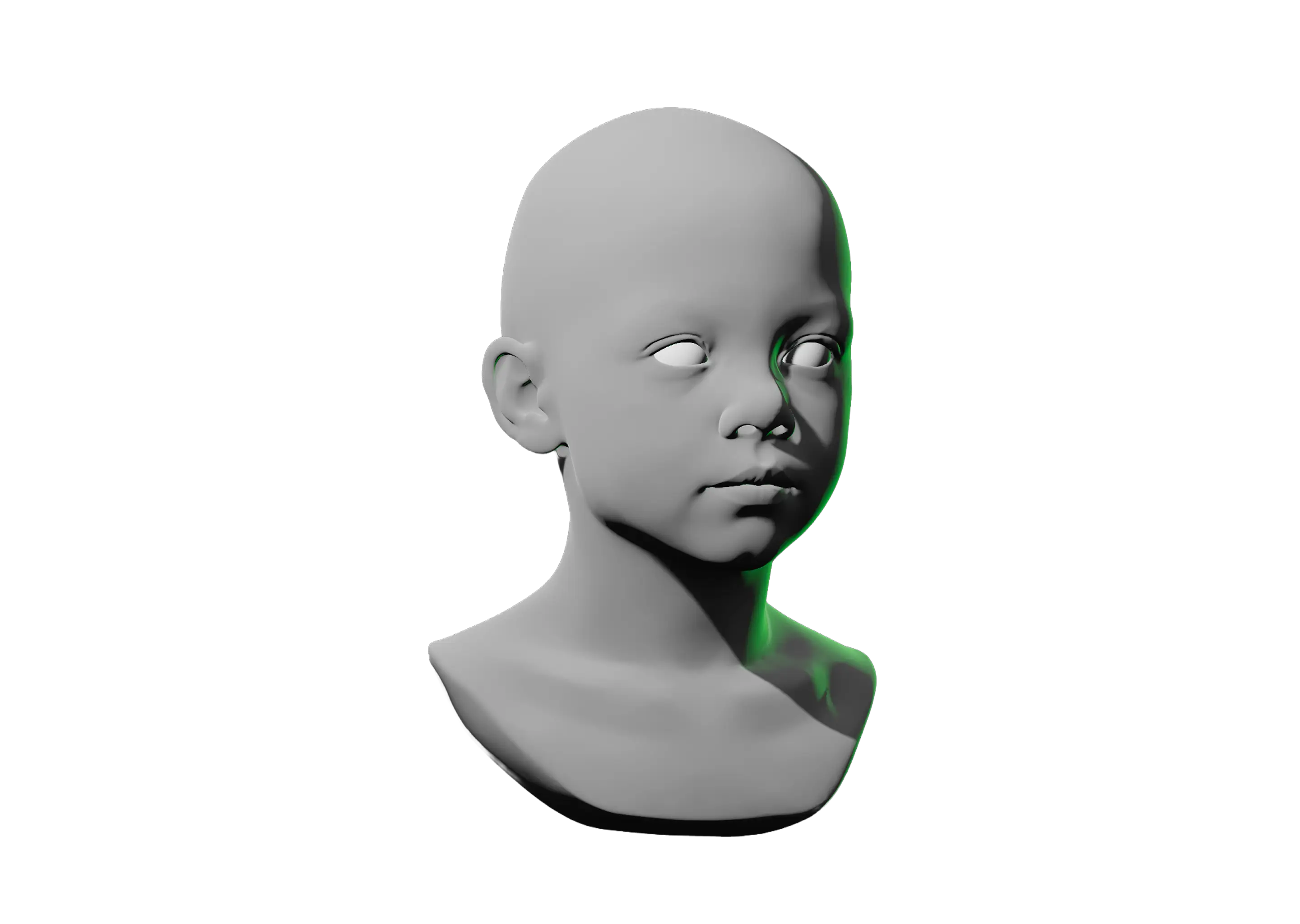
New reference: Child Face
Meet the youngest member of the Light Dropper family. Roughly 4-6 years old, all baby fat, not a wrinkle in sight. Child Face Reference
Sep 29
New
New reference: Middle Aged Man Face
Study how age reshapes facial features, then move the lights to see how quickly that character can change. Middle Aged Man Face Reference
Sep 29
Improved
Pose models even easier
Selecting a bone marker now highlights only the surrounding bones, making it easier to see what you’re working with. Use the arrow keys to move between adjacent bones.
Sep 28
New
Press arrow keys to switch bones
Select a bone, then use the arrow keys to move from one to the next. Press the opposite arrow and the selection goes back the exact way it came.
Sep 28
New
Reference Timer & Stats Dashboard
See how much time you spend studying each model. Press “T” to see the timer, then head to the all-new Stats Dashboard to see where your practice takes you. Stats Dashboard
Sep 14
New
Save setups in the browser
Now you can save lighting, camera, and other customizations directly in the browser by pressing Cmd + S.
Sep 8

August

X items
New
Value steps
Simplify complex references for more accurate shading. Press V to view values. Press repeatedly to increase the number of value steps.
Aug 28
New
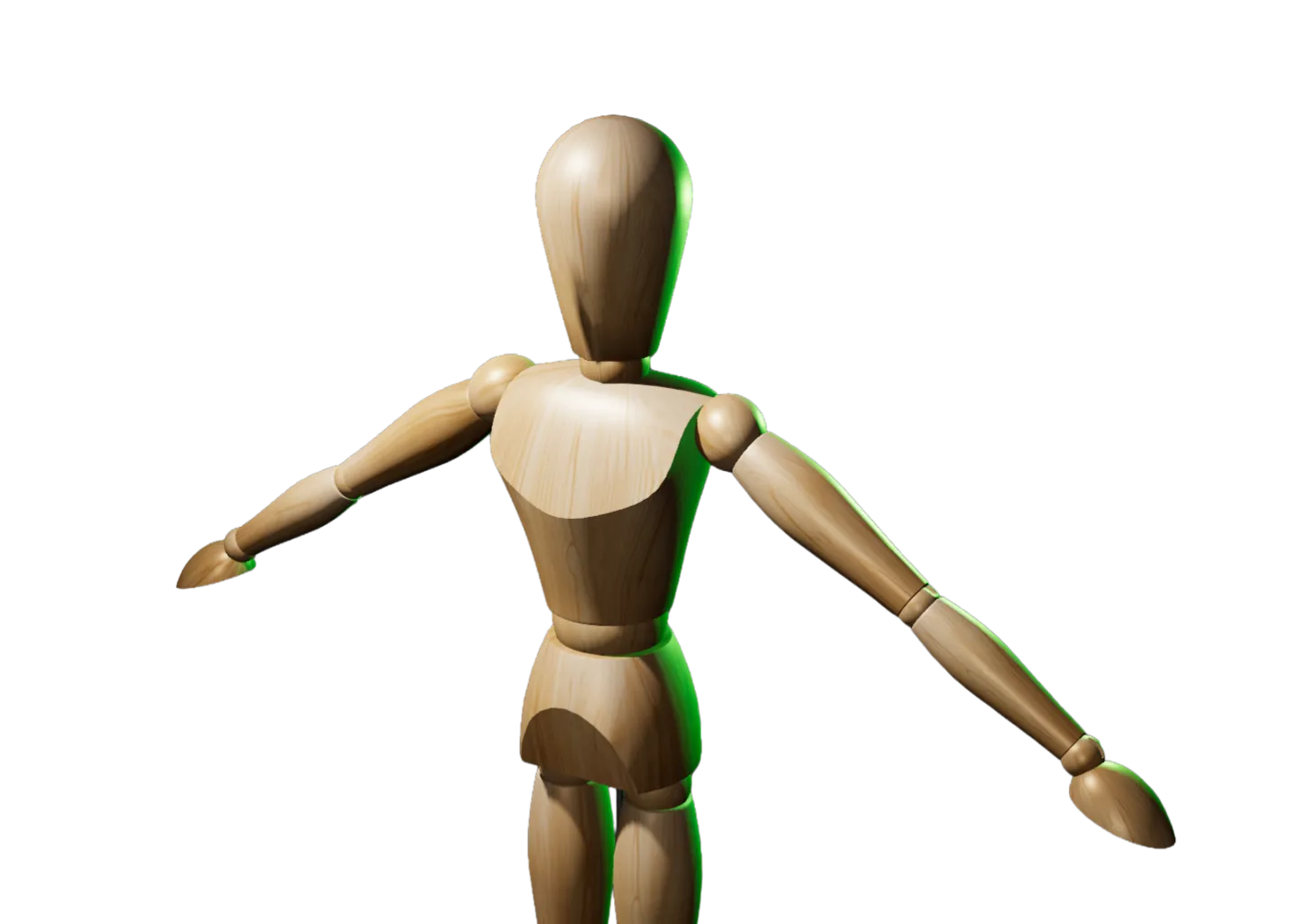
New reference: Wooden Mannequin
The studio classic just went digital. Now you can pose it and light it from any angle without owning one. Wooden Mannequin Interactive Reference
Aug 25
New
Camera angle presets
Press C to switch between camera angle presets like front, right profile, back, etc.
Aug 8
Improved
Ortho/perspective key change
Now press P to toggle between orthographic and perspective view (formerly the C key).
Aug 8
New
Lock lighting
Press L once to show labels, press again to hide them while simultaneously locking the scene to prevent further edits.
Aug 7
New
Save your setups
Press Shift + E to export your lighting, camera, and other customizations. Press Shift + I to import a setup.
Aug 5

April–July

Dozens of items
New
Light Dropper launches
In the first months after launch we fixed bugs, adjusted controls and fine-tuned lighting, one small change at a time. We didn’t write them all down, but every one is still in there.
N/A
Load more
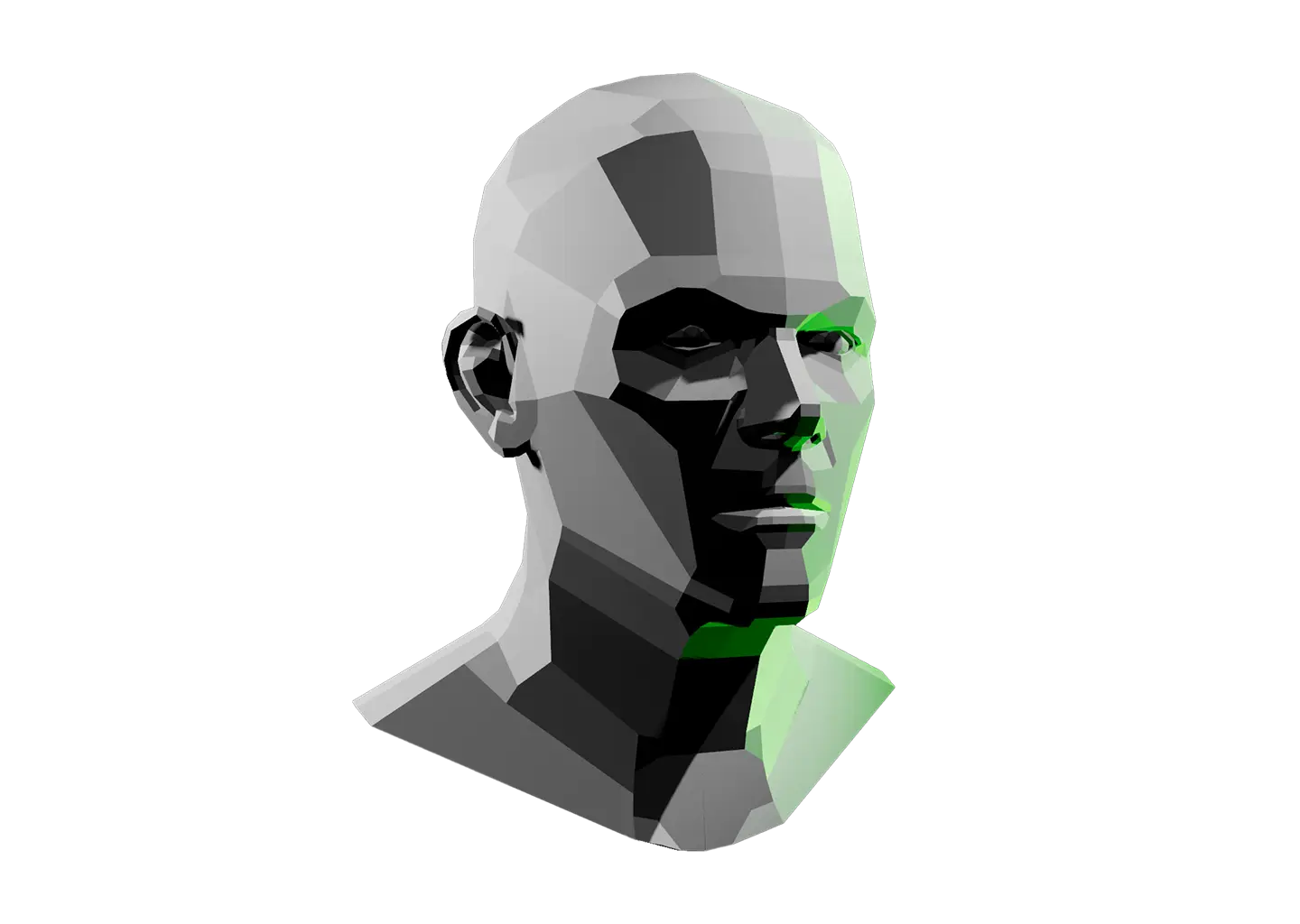
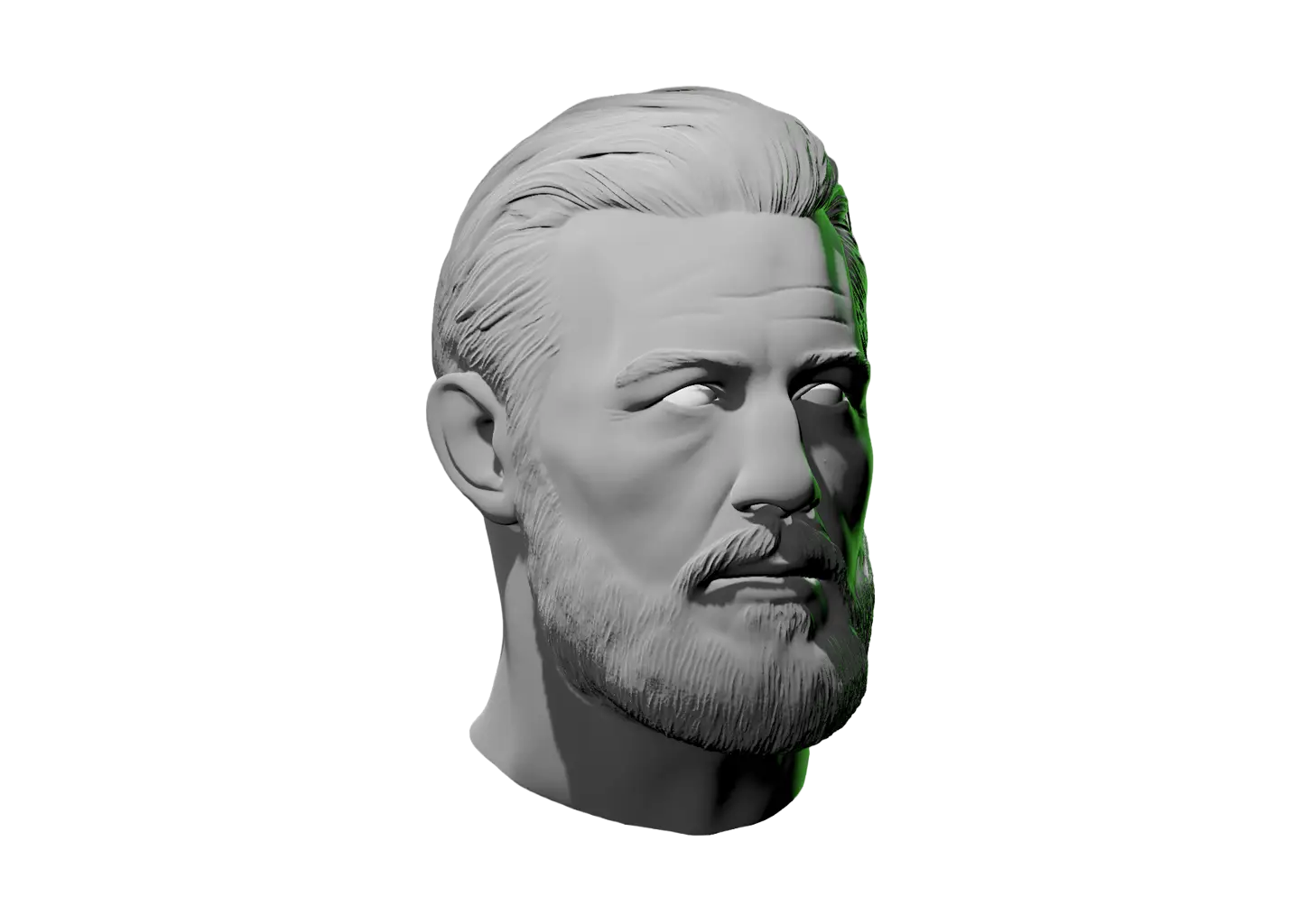
Planar human head model viewed from above with a green light on the left side.
Your idea could be the next row on this page.
Share feedback
Light Dropper logo stacked vertically
©2026 Light Dropper™ | All Rights Reserved