Light Dropper colored icon
Loading interactive 3D reference…
0% complete

Facial Expressions Reference

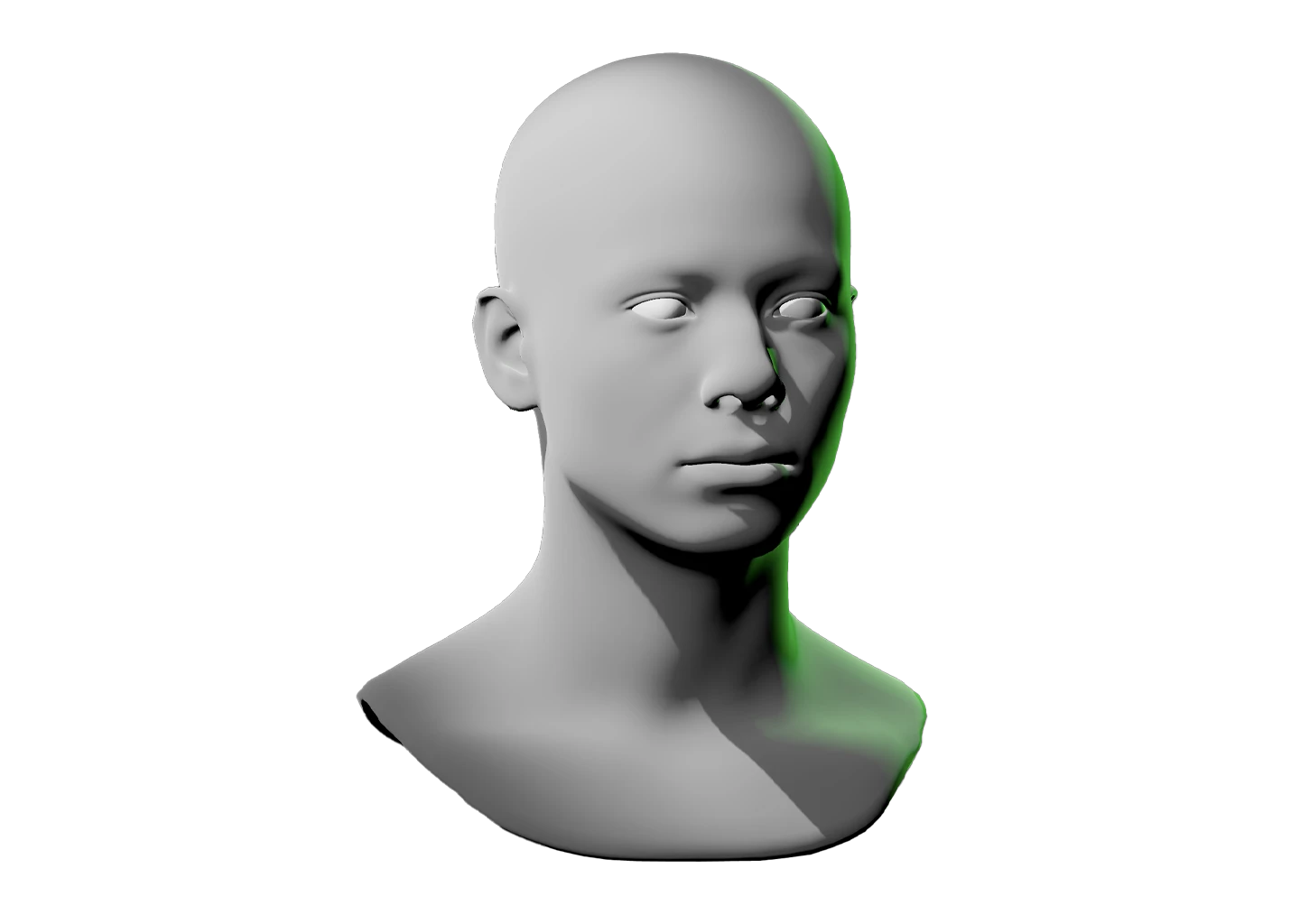
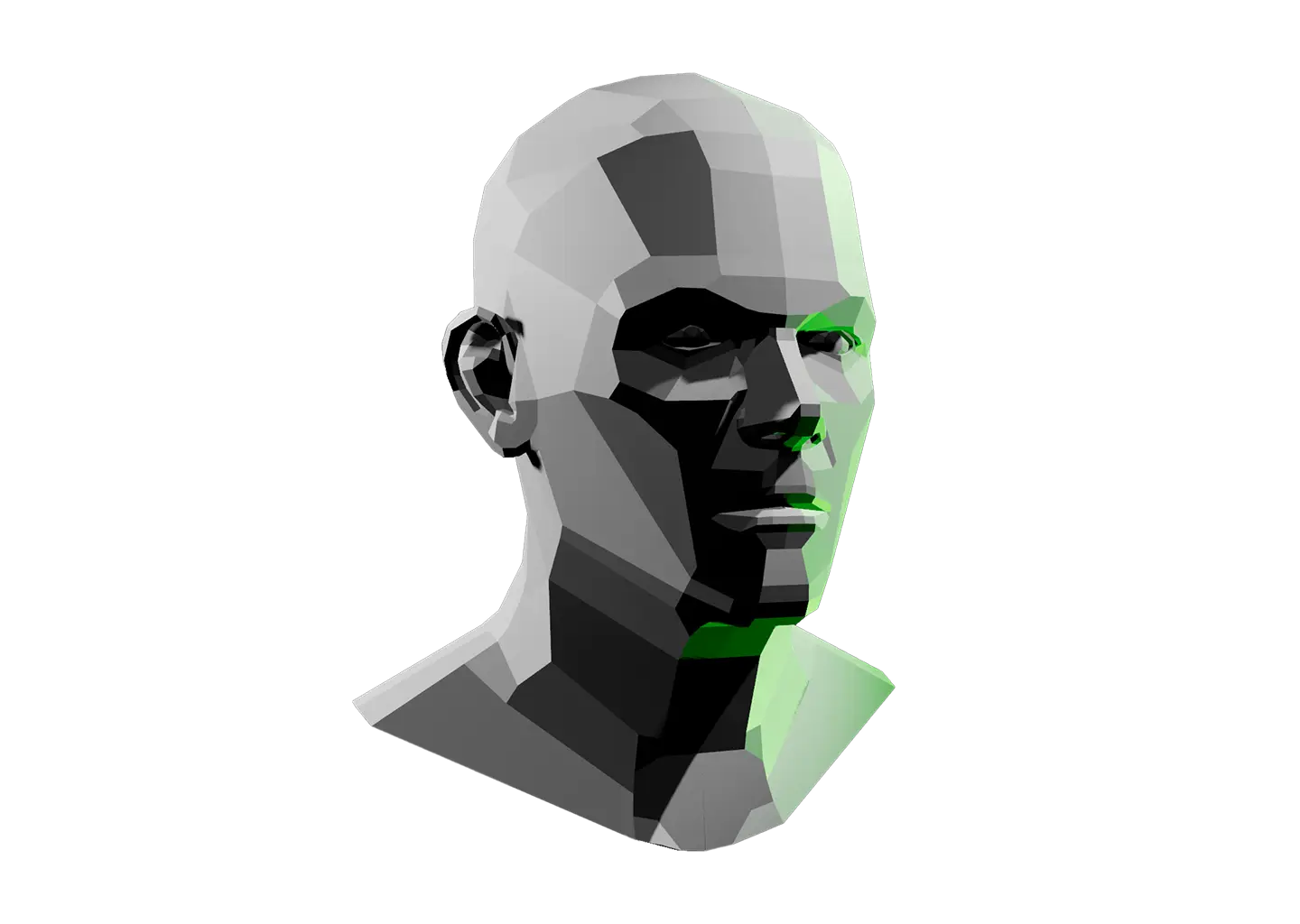
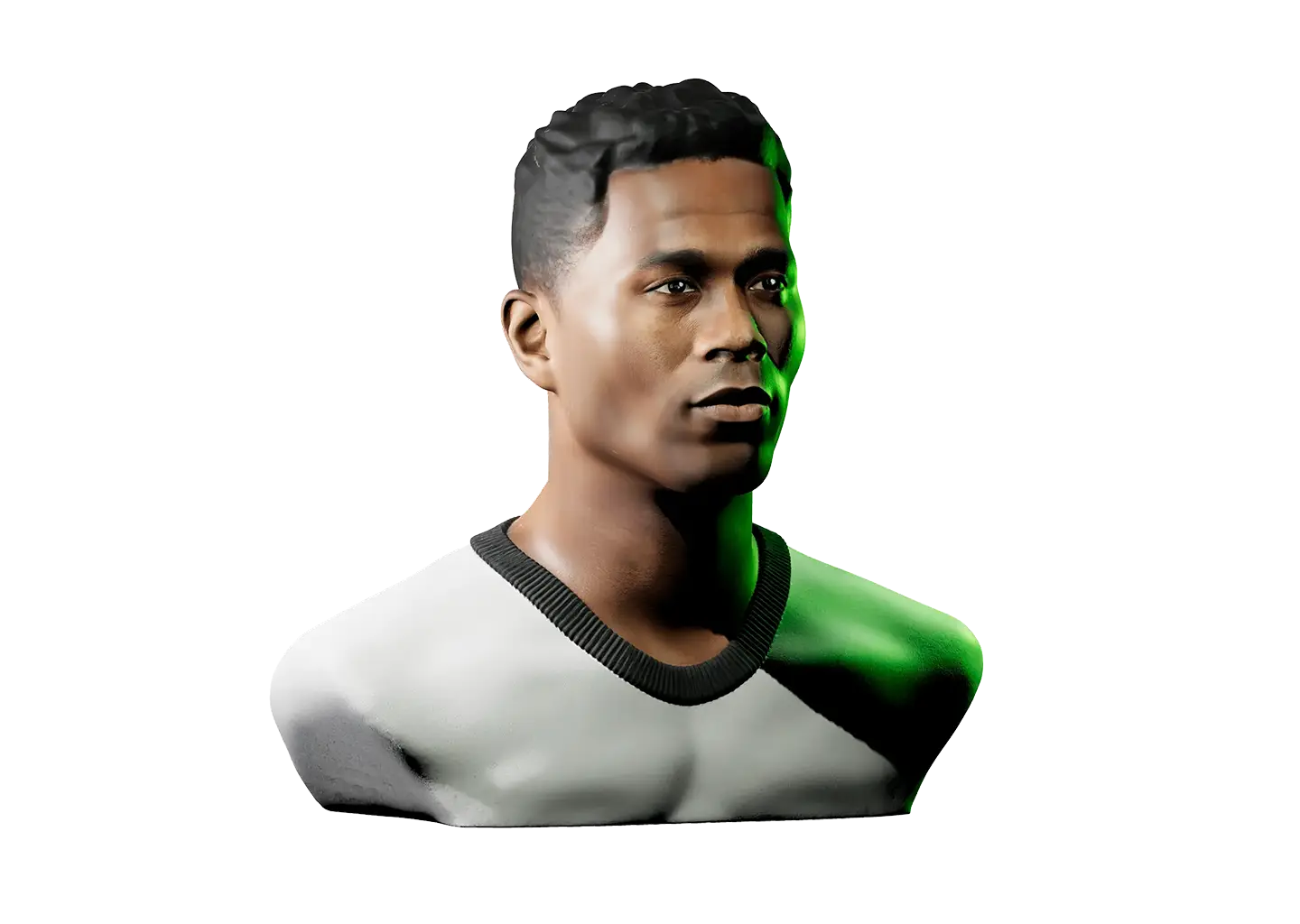
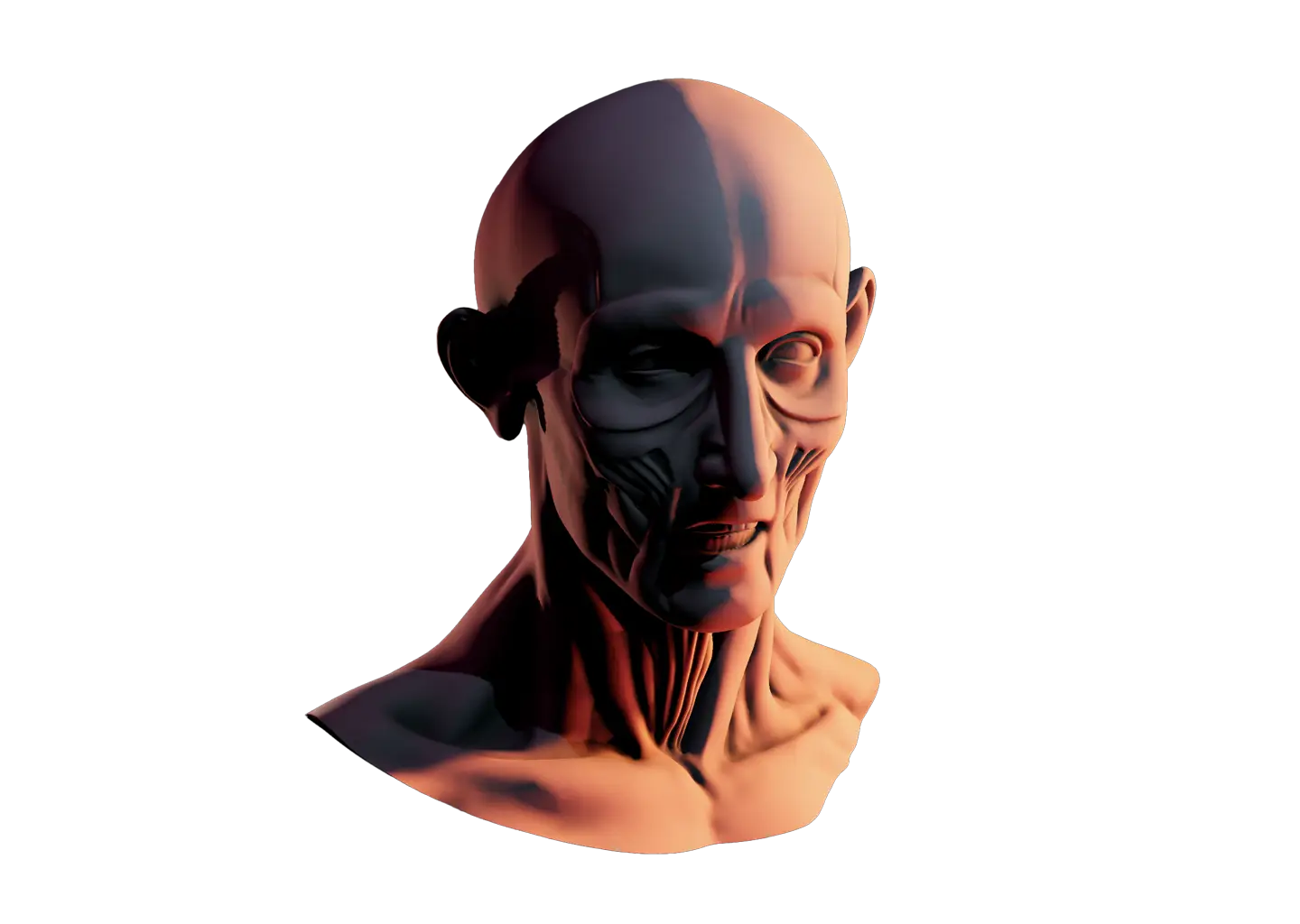
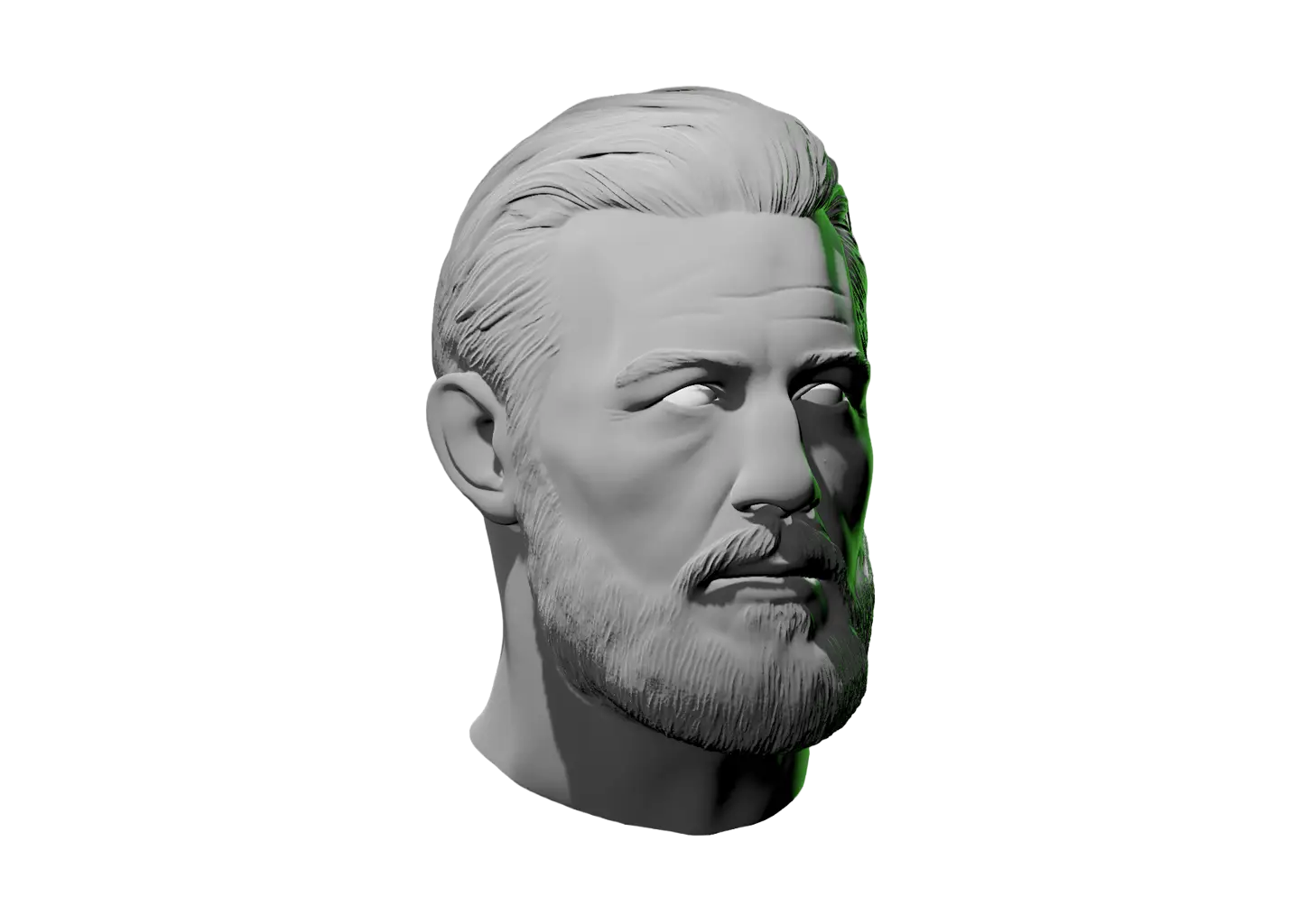
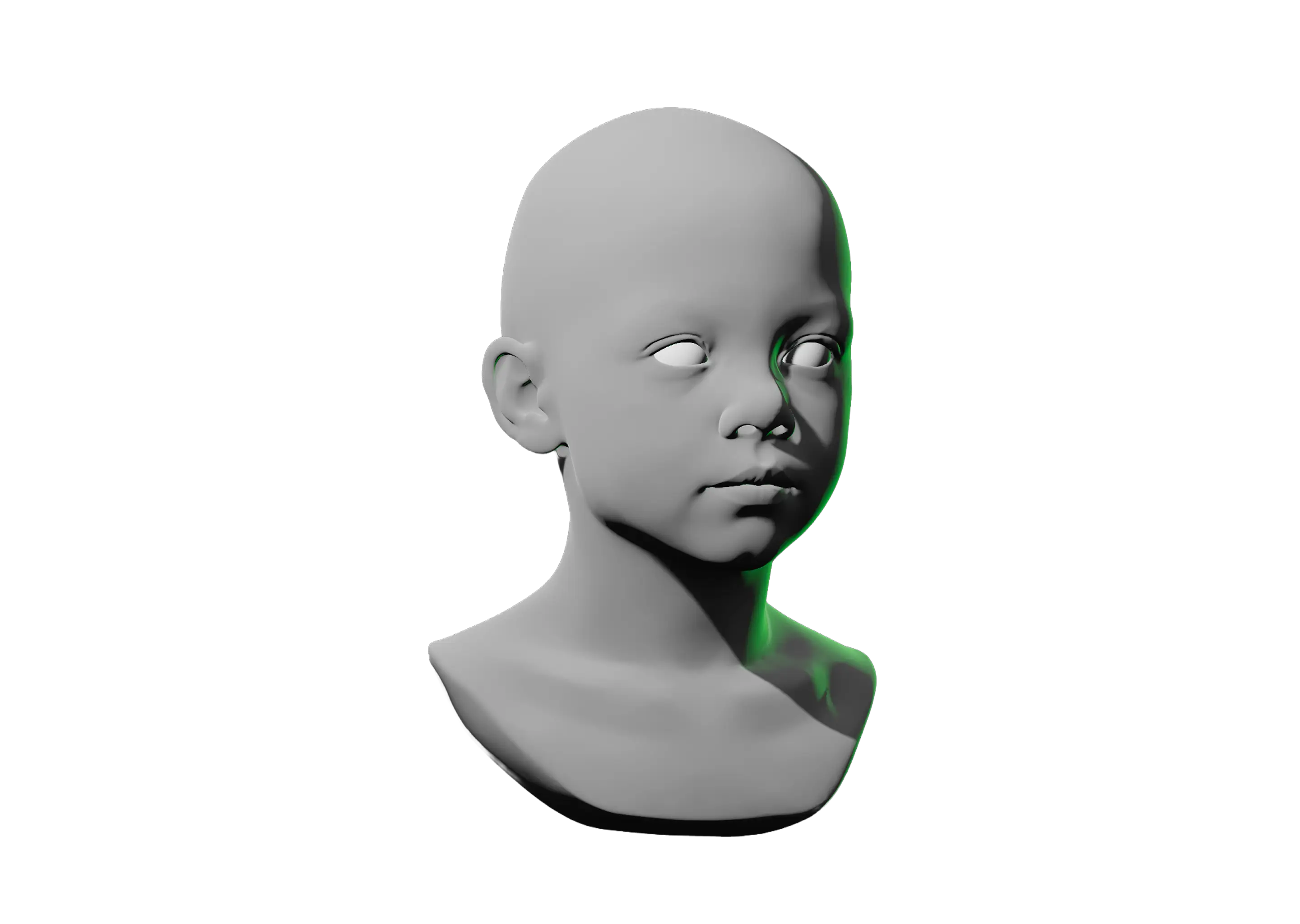
This reference starts from the same face as the Interactive Face Lighting Reference, with one big difference. This face moves.

Right-click it (or tap on mobile) and choose Expressions to shape the brows, eyes, mouth, teeth, and head however you like, or start from one of 8+ presets.

Angry, happy, surprised, and more speedrun the setup in one click. From there, drag the sliders to raise a brow, narrow the lids, or open the jaw until the expression reads how you need it to.

Once it does, light it up. Unlike a static expression photo, neither the lighting nor the angle is locked in. Plus, saved setups keep your expression along with your lights, camera, and everything else.
Toggle Info: I
Toggle info: i
Double click to drop a light
Click-and-drag to move a light
Right click objects for options
Precision Controls
Camera Angle Presets: C
Toggle Perspective: P
Randomize Scene: R
Randomize Lights: Shift + R
Value Steps: V
Undo: Cmd + Z
Redo: Cmd + Shift + Z
Save Setup: Cmd + S
Labels → Scene Lock: L
Learn & Track
Overview → Timer: T
Reset scene
Saved setups (N)
Icon of person raising their hand
Share feedback
Reference Timer
Track how much time you spend studying this model. The timer keeps running while you sketch, draw, or paint. If the page goes unattended for several hours, Light Dropper checks in with you, then automatically pauses the timer until you return.
Timer indicator
0
Pause timerStart timer
Today
0
Yesterday
0
This week
0
Last week
0
Lifetime
0

Facial Expressions Reference

This reference starts from the same face as the Interactive Face Lighting Reference, with one big difference. This face moves.
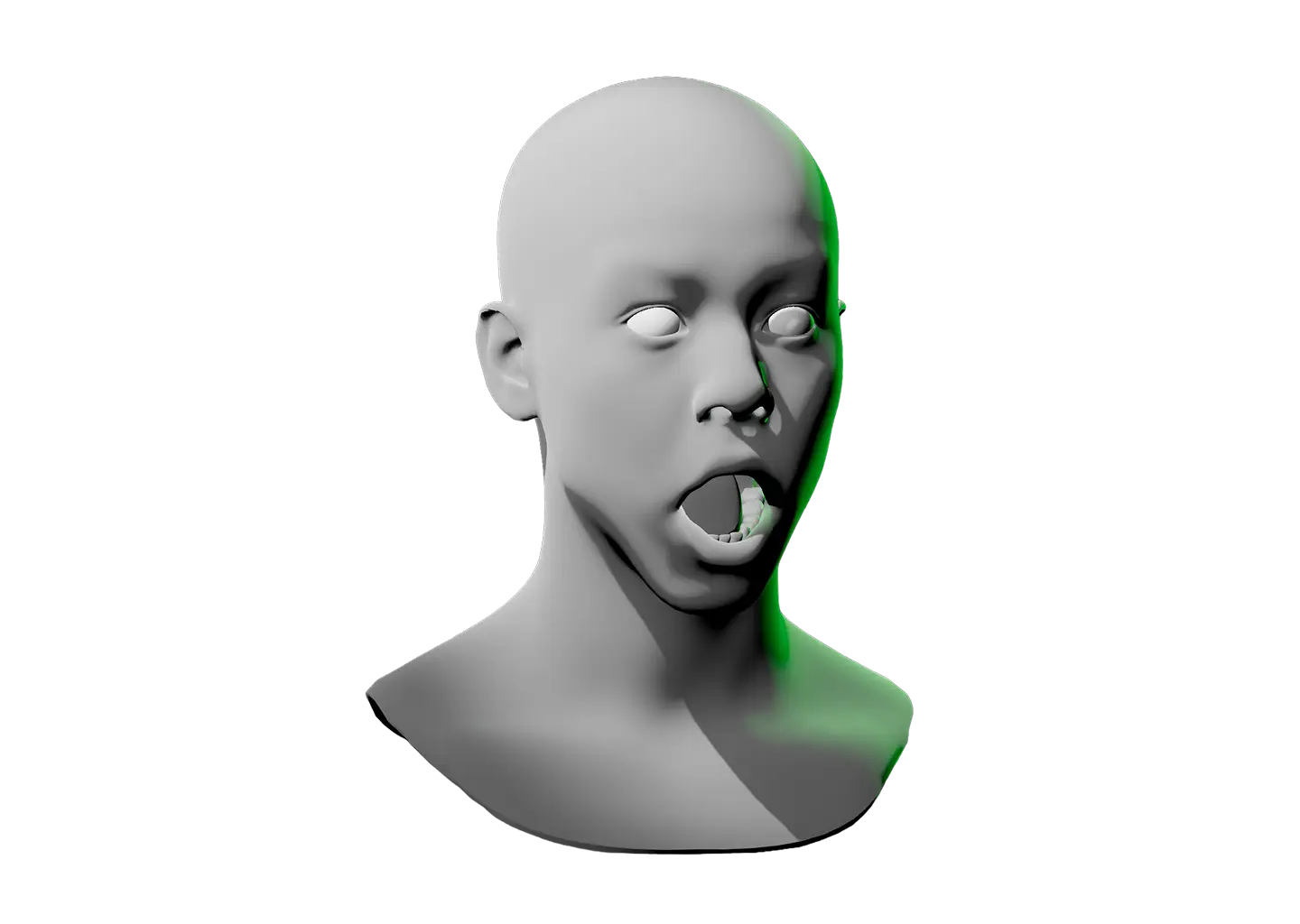
Right-click it (or tap on mobile) and choose Expressions to shape the brows, eyes, mouth, teeth, and head however you like, or start from one of 8+ presets.

Angry, happy, surprised, and more speedrun the setup in one click. From there, drag the sliders to raise a brow, narrow the lids, or open the jaw until the expression reads how you need it to.

Once it does, light it up. Unlike a static expression photo, neither the lighting nor the angle is locked in. Plus, saved setups keep your expression along with your lights, camera, and everything else.