Light Dropper colored icon
Loading interactive 3D reference…
45% complete

Value Shading Reference

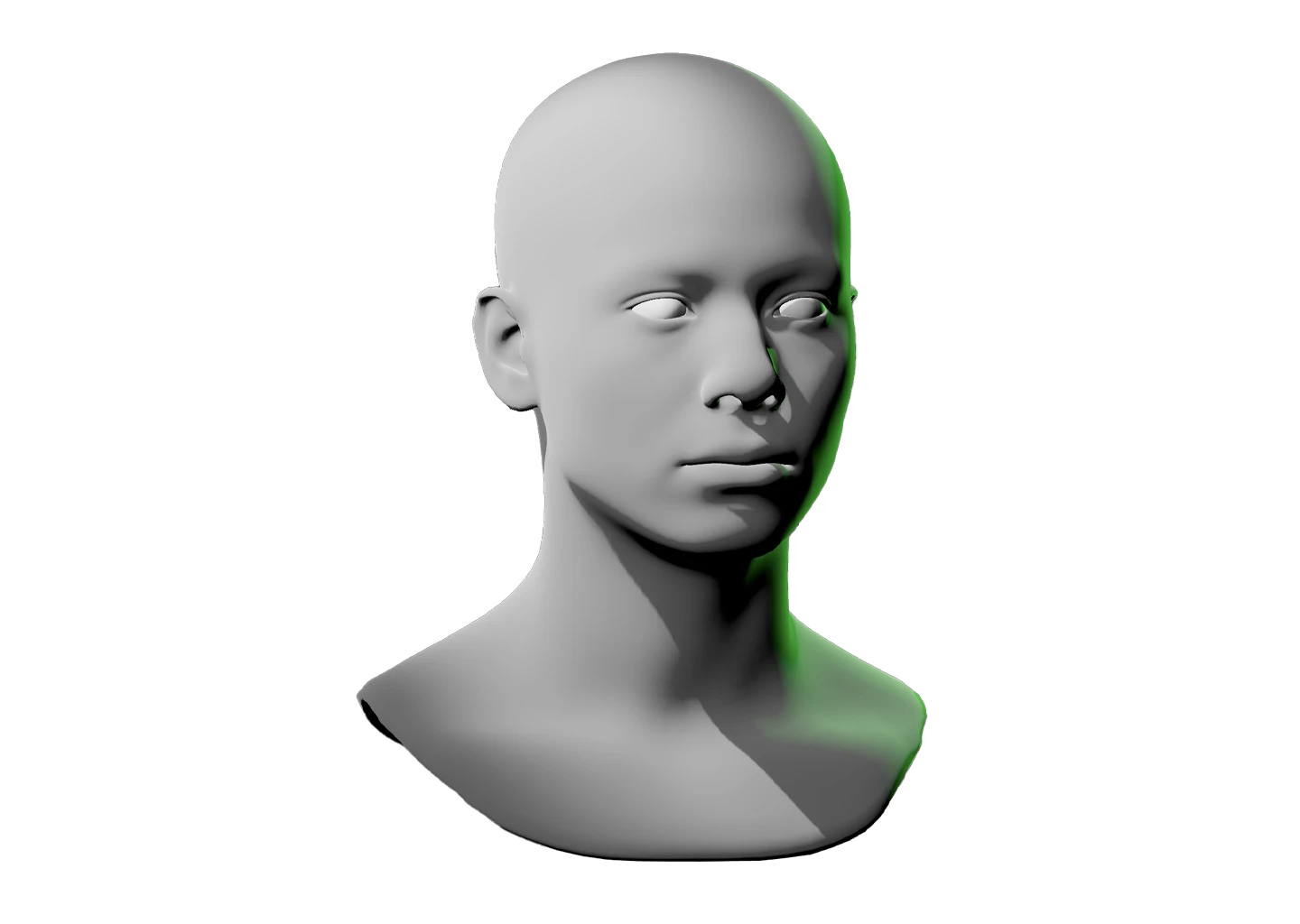
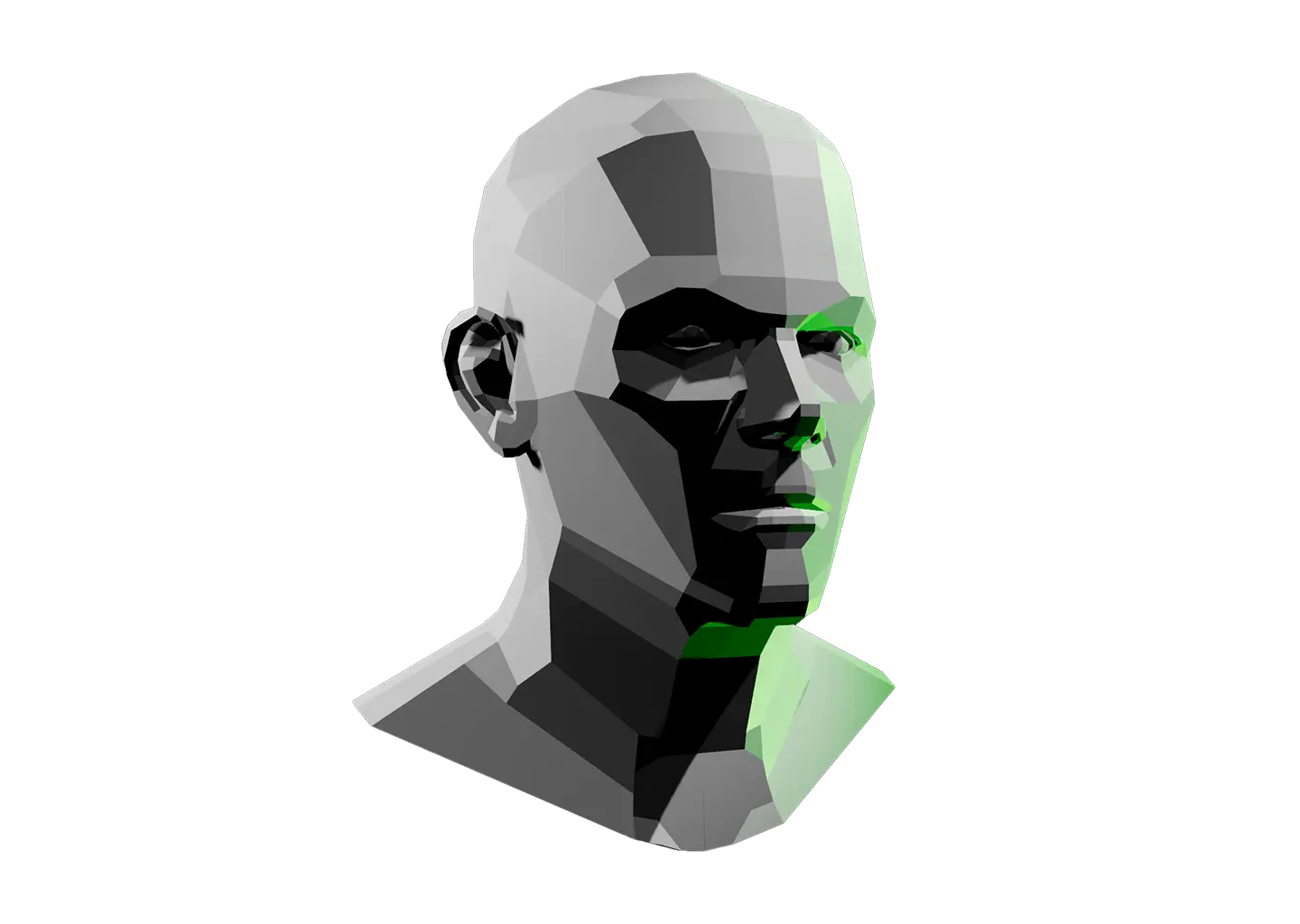
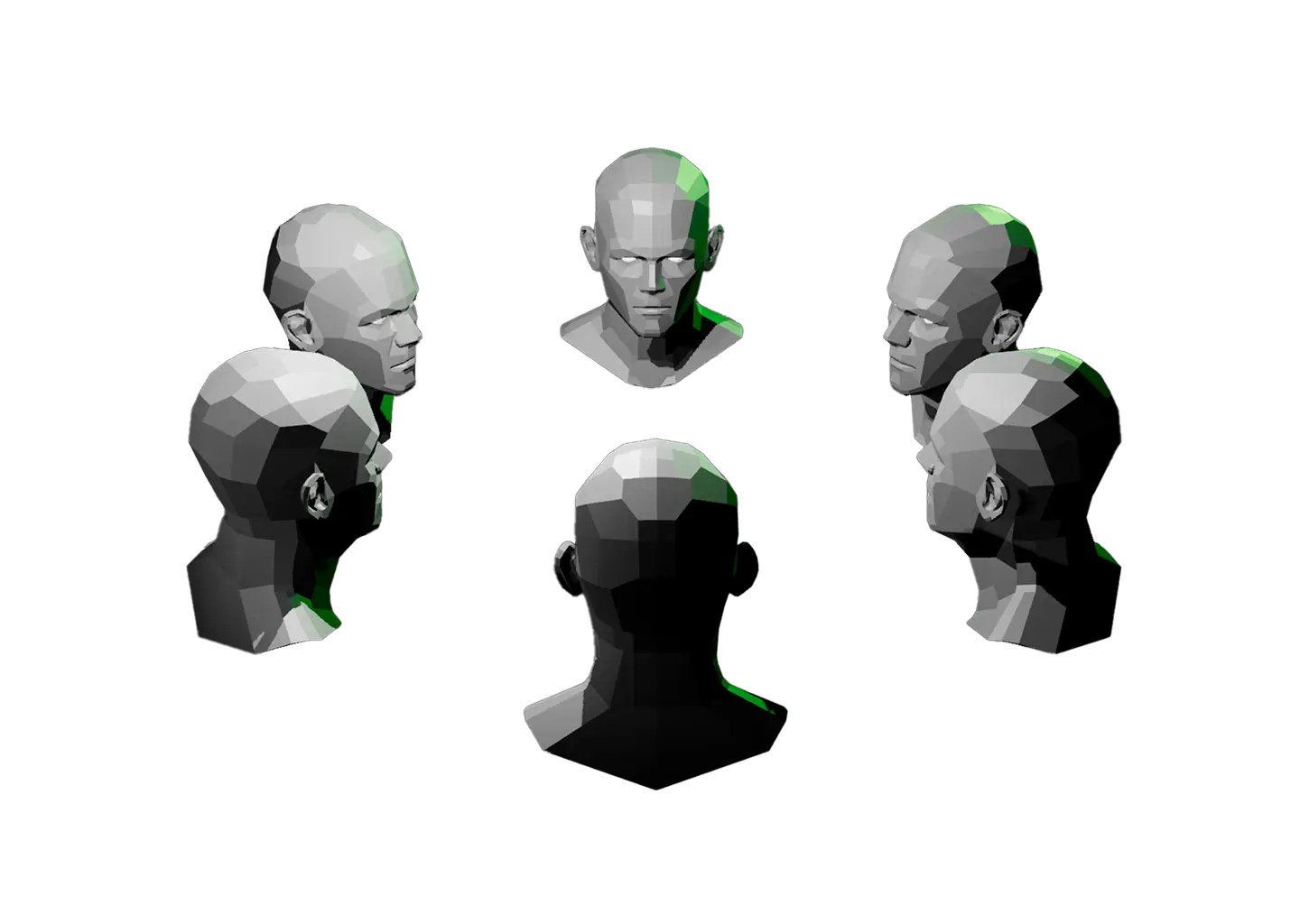
Shading a head comes down to reading how value shifts as each plane turns toward or away from the light. This model gives you a ring of 6 planar heads so you can study that shift across every angle at once.

Place a light (or many lights) and watch the values separate, a plane facing a light source reads bright, one turned away drops into shadow, and the facets make every step between easy to see.

Orbit the scene to find your starting point. Right-click any head’s origin to rotate it independently of the others for full control.

Want to focus on one head at a time? The Planes of the Head Reference gives you a single planar face to study.
Toggle Info: I
Toggle info: i
• Double click to create a light
• Click-and-drag to move a light
• Right click objects for options
Precision Controls
Toggle Light Labels: L
Toggle Camera Type: C
Randomize Scene: R
Randomize Lights: Shift + R
Undo: Cmd + Z
Redo: Cmd + Shift + Z
Animated Model Controls
Play/Pause: Spacebar
Reset scene
Icon of person raising their hand
Requests and feedback
Six planar heads viewed from different angles.

Value Shading Reference

Shading a head comes down to reading how value shifts as each plane turns toward or away from the light. This model gives you a ring of 6 planar heads so you can study that shift across every angle at once.

Place a light (or many lights) and watch the values separate, a plane facing a light source reads bright, one turned away drops into shadow, and the facets make every step between easy to see.

Orbit the scene to find your starting point. Right-click any head’s origin to rotate it independently of the others for full control.

Want to focus on one head at a time? The Planes of the Head Reference gives you a single planar face to study.
A hand icon with a strikethrough
This experience requires a larger window.